Recruitment Workflow: Stages, What to Automate First and a Setup Checklist
The stages of a recruitment workflow, the order in which to automate them, a trigger-and-action map, what should stay human and a launch checklist for automating your first role.
Beatview Team
Updated · 6 min read
Key takeaways
- A recruitment workflow is a fixed sequence of stages with an entry rule and an owner for each one.
- Automate first what is repetitive, high volume and obviously wrong if it misfires: acknowledgements, scoring and ranking.
- Add rules that act on candidates — invitations, stage moves — only after testing them on yourself; automate rejection last, if at all.
- Keep shortlisting, submissions, exceptions and follow-ups with a named person.
- Judge automation by the gap between scoring and invitations and by reviewer minutes per shortlisted candidate.
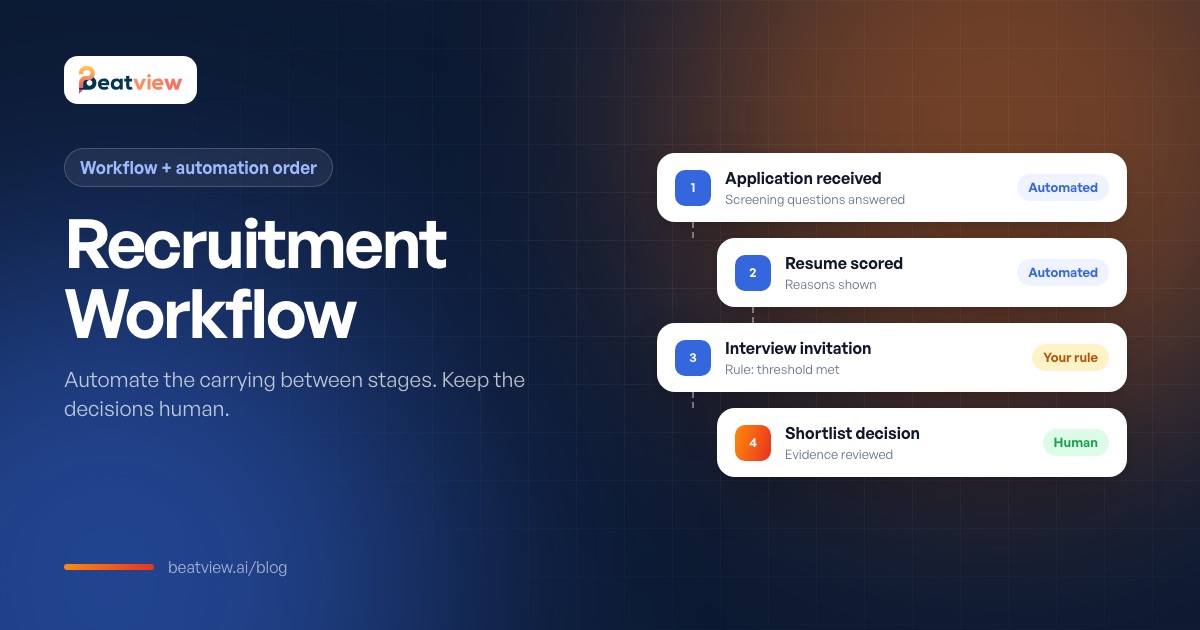
A recruitment workflow is the fixed sequence of stages a candidate moves through for a role — from application to offer — together with the rule for moving between stages and the person who owns each one. Automating a recruitment workflow means letting software carry out the repetitive steps when a condition is met (scoring an application, sending an interview invitation, moving a candidate to the next stage) while people keep the judgement calls. This guide shows the stages of a typical recruitment workflow, the order in which to automate them, a trigger-and-action map, what should stay human, and a launch checklist.
The stages of a recruitment workflow
Scroll to compare →
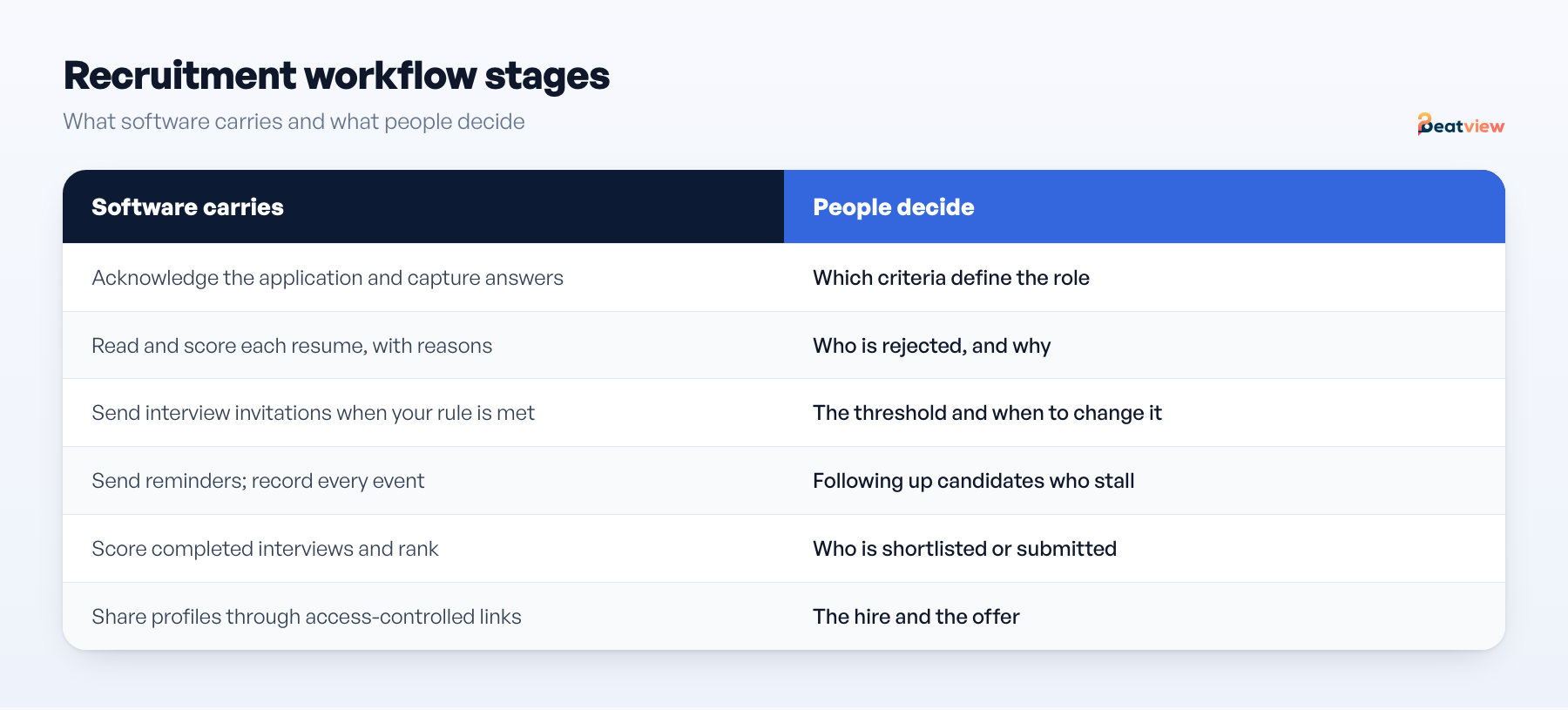
| Stage | What happens | Typically automated? |
|---|---|---|
| 1. Application | Candidate applies through a careers page or job-board link and answers screening questions | Yes — acknowledgement and data capture |
| 2. Screening | Resume read and compared with the role; knockout answers checked | Partly — scoring and ranking; rejection stays human |
| 3. First-round interview | Structured interview, live or recorded | Invitations and reminders; review stays human |
| 4. Shortlist | Recruiter reviews evidence and chooses who goes forward | No |
| 5. Hiring manager or client interviews | Deeper interviews against a scorecard | Scheduling only |
| 6. Decision and offer | Debrief, decision, offer and references | Paperwork only |
Each stage needs an owner, an entry rule and a recorded output — the principles behind a structured hiring process.
What to automate first
Automate first the task that is repetitive, high volume and obviously wrong if it misfires. Repetition makes it worth doing, volume makes it worth doing now, and visible failure means you catch a bad configuration in hours rather than in a client conversation.
Scroll to compare →
| # | Task | Prerequisite before switching it on | Risk if misconfigured |
|---|---|---|---|
| 1 | Application acknowledgement | Wording approved once | Low — visible immediately |
| 2 | Resume reading and scoring on intake | Role criteria written down | Low — you still review at this stage |
| 3 | Ranking the pile | Someone can explain what a score means | Low — order changes, decisions do not |
| 4 | Interview invitation on a threshold | Question set fixed; one invitation tested on yourself | Medium — a wrong threshold invites the wrong people at volume |
| 5 | Interview reminders | A stated deadline and cut-off | Low |
| 6 | Stage movement after a completed interview | Agreed stage names and one owner per stage | Medium — candidates land where nobody looks |
| 7 | Early-stage rejection | Explicit policy and approved wording | High — irreversible and visible to the candidate |
Work down the list one row at a time, on one role. Move to the next row after a full week in which nothing in the candidate history surprised you. Items 1–3 change no outcomes, only how fast information reaches a person, which makes them safe on day one. Item 7 is last because a wrongly automated rejection cannot be walked back.
Trigger and action map
Scroll to compare →
| Trigger | Configured action | Visible result |
|---|---|---|
| Application submitted | Read the resume, score it against the role, check for duplicates | Score and reasons on the candidate; event recorded |
| Screening rule satisfied | Move the candidate to the configured stage | Stage change; event recorded |
| Interview stage reached | Send the interview invitation (and/or an assessment) | Invitation sent; event recorded |
| Interview completed | Score the answers and rank the candidate | Result ready for recruiter review |
| Recruiter shortlists | Share the profile with the hiring manager or client | Access-controlled link; feedback captured |
What should stay human
- Deciding who is shortlisted or submitted. A score orders candidates; a person decides.
- Rejections, unless you have an explicit written policy and have tested it.
- Following up candidates who do not open or finish an invitation.
- Exceptions: unreadable resumes, incomplete answers, adjustment requests, borderline candidates filtered on score alone.
- Anything a candidate might reasonably contest. If you would need to explain it, keep a person in it.
Treat "no human action required from application to placement" as a warning sign in any vendor pitch. The task-by-task split for the interview stage is in interview automation.
Readiness questions for every automation rule
- Can I name the exact condition that fires this rule and the exact action it takes?
- Would I notice within a day if it fired wrongly — and where?
- Can I switch it off in under a minute?
- Who owns the outcome — a named person, not a team?
- What happens to candidates it already acted on if we change it?
Example: one candidate through an automated workflow
Synthetic data, illustrating the sequence — not a customer result.
Scroll to compare →
| Step | What happened | Who or what did it |
|---|---|---|
| 1 | Application received through the branded careers page | Candidate |
| 2 | Resume read and scored against the role | Software |
| 3 | Screening answers and threshold checked; moved to interview stage | Software, using your rule |
| 4 | Structured interview invitation sent | Software |
| 5 | Timed video questions answered | Candidate |
| 6 | Answers scored and candidate ranked | Software |
| 7 | Evidence reviewed; candidate shortlisted for the client | Recruiter |
Launch checklist
- Requirements written specifically enough to score against.
- Screening questions identical for every applicant to the role.
- Threshold set, with a written reason and a review date.
- Stage action confirmed on a test application you submitted yourself.
- Candidate history read end to end for that test.
- Named owner for follow-ups and exceptions.
- Feedback deadline agreed with the hiring manager or client.
Judge the result by two numbers, not by how many rules are running: the gap between scores being available and invitations going out, and reviewer minutes per shortlisted candidate. See recruitment metrics.
Recruitment workflow automation in Beatview
In Beatview you configure the job, its screening questions, a score threshold, the stage that acts on it and the invitation that stage sends — an AI video interview, a Work Style assessment or both. After that, connected steps run when a candidate meets your conditions, and every step is recorded in the candidate event log. Nothing downstream happens until the candidate completes what you sent, and the recommendation to a client is always a person's decision. The match score is the plain average of the resume and interview scores. See recruitment automation for capabilities and integrations for connecting your ATS.
Frequently asked questions
What is a recruitment workflow?
A recruitment workflow is the sequence of stages a candidate moves through for a role — application, screening, first interview, shortlist, further interviews, decision and offer — with the rule for moving between stages and the owner of each stage.
What recruiting tasks should be automated first?
Application acknowledgements, resume reading and scoring, and ranking. They save the most clerical time and change no outcomes. Interview invitations on a tested threshold and reminders come next.
Should rejections be automated?
Only with an explicit written policy, approved wording and a named owner, and only after other rules have run reliably. Automated rejection is irreversible and visible to candidates.
What is the difference between recruitment automation and an ATS?
An applicant tracking system stores candidates and tracks stages. Recruitment automation acts on candidates when conditions are met — scoring, inviting, moving stages. Many teams run automation alongside their ATS.
What should stay human in an automated recruitment workflow?
Shortlisting and submission decisions, rejections, follow-up with candidates who stall, exception handling and anything a candidate might contest.
Move an application from screening to interview
Use your configured workflow and review the completed result.
Start with one active job for free, or explore how Pro adds AI video interviews.
- Application screening
- AI video interviews
- Candidate event log
Related Articles
Interview Automation: What to Automate and What to Keep Human
Which interview tasks software can automate — invitations, recording, scoring, ranking — which stay human, the configurations you can run and a one-role setup checklist for automated interviews.
Structured Hiring Process: 8 Hiring Process Steps That Make Decisions Repeatable
The eight steps of a structured hiring process, the written output and owner of each, and — for recruitment agencies — how to agree criteria, decision ownership and handoff with a client.
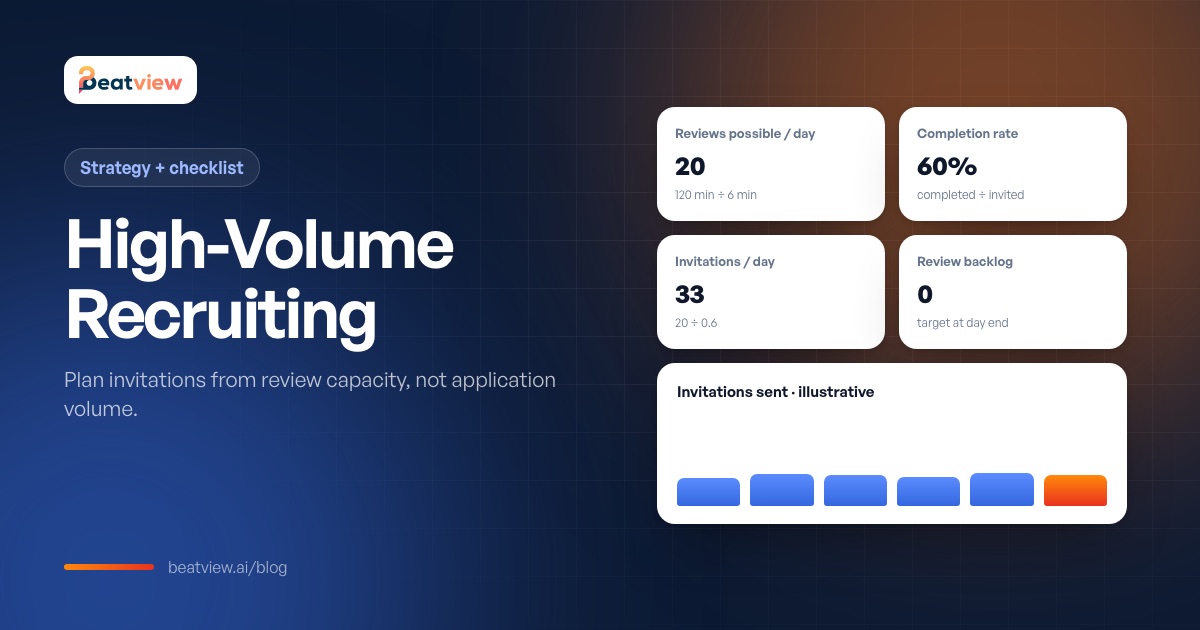
High-Volume Recruiting: 8 Strategies, a Capacity Plan and Software Checklist
How to run high-volume hiring: eight strategies, a capacity worksheet for deciding how many candidates to invite, handling incomplete interviews, a software requirements checklist and a pilot plan.