Interview Automation: What to Automate and What to Keep Human
Which interview tasks software can automate — invitations, recording, scoring, ranking — which stay human, the configurations you can run and a one-role setup checklist for automated interviews.
Beatview Team
Updated · 4 min read
Key takeaways
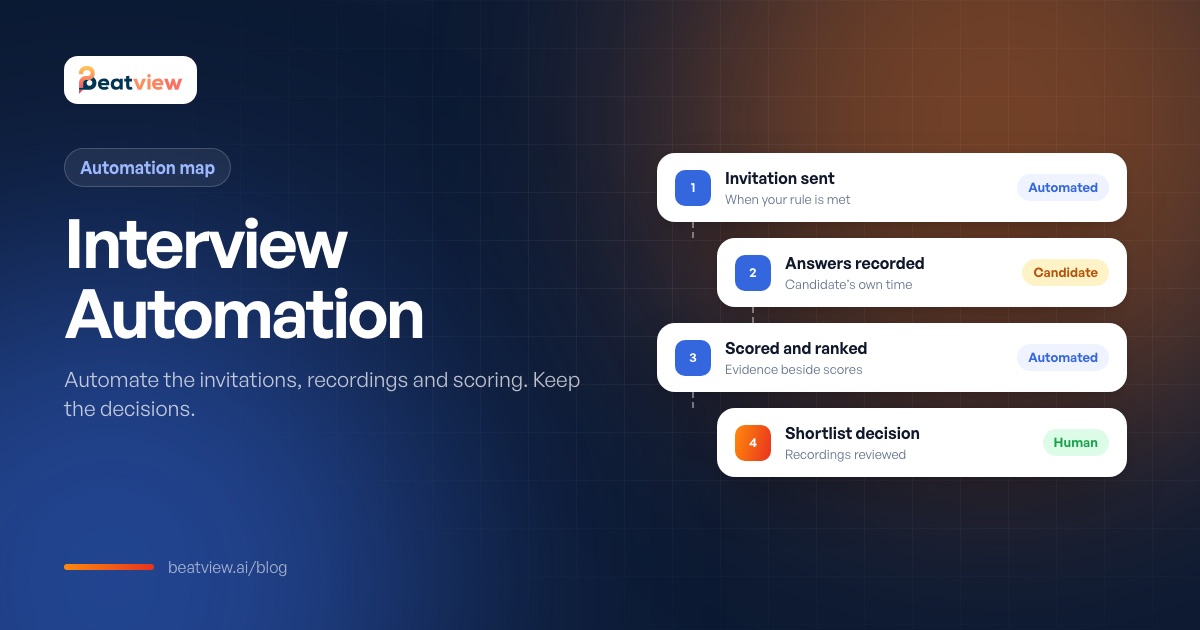
- Interview automation reliably covers invitations, recording answers, scoring completed interviews and ranking candidates.
- Reviewing recordings, choosing who goes forward and booking later interviews stay with people.
- Automation will not chase unfinished interviews, set your cutoff or judge unusual answers.
- Set it up on one role first and compare recordings with scores after ten completed interviews.
- Tell candidates AI is used and keep a human in the decision; some places also require consent or bias audits.
Interview automation means using software to carry out the repetitive parts of interviewing — sending invitations, collecting candidates' answers, scoring and summarising completed interviews and ordering candidates for review — while people keep the judgement calls: who to shortlist, how to read a borderline answer and who gets hired. In a recruiting agency, automated interviews reliably take over four tasks; everything else stays human. This guide maps each interview task to its owner, shows the configurations you can run, lists what automation will not do, and gives a one-role setup checklist.
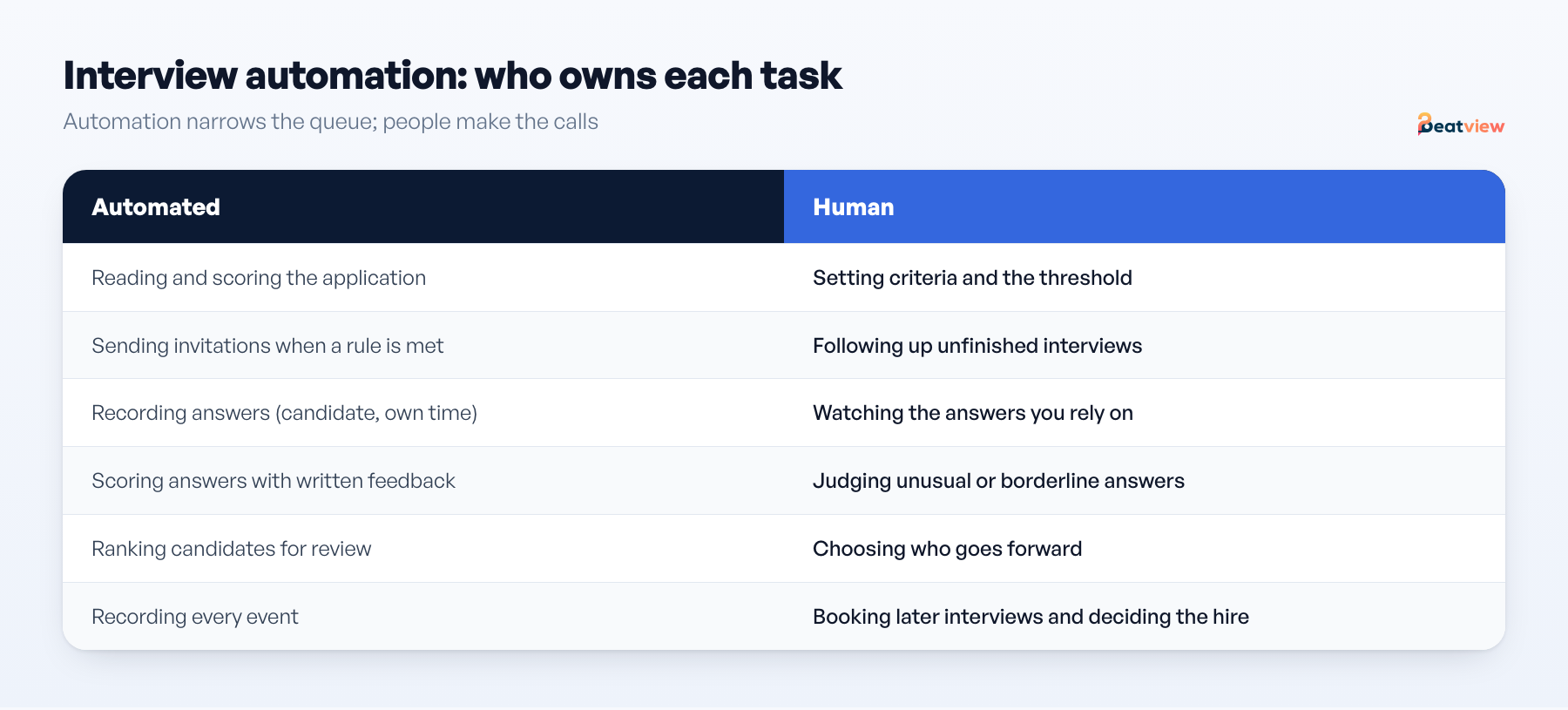
Which interview tasks can be automated?
Scroll to compare →
| Task | Owner | What happens |
|---|---|---|
| Reading the application | Automated | The resume is read and matched against the role, producing a score with the skills, experience and concerns found |
| Sending the interview invitation | Automated (optional) | A pipeline stage sends it when a candidate meets your rule — or you send invitations yourself |
| Applying a threshold | Automated (optional) | Candidates at or above a score you set move forward. No default is right for every role. |
| Completing the interview | Candidate | Answers are recorded in their own time, on their own device |
| Scoring the interview | Automated | Answers scored against the questions, with written feedback per answer |
| Ranking candidates | Automated | Candidates ordered by their scores for review |
| Reviewing recordings | Human | You watch the answers you are relying on |
| Choosing who goes forward | Human decision | Yours, or your client's, as agreed at kickoff |
| Booking later interviews | Human + scheduling link | Live meetings still need a calendar |
Automated interviews: three configurations
- Interview only. A structured set of questions in video or multiple-choice format. Best when you need to hear the person — sales, support, client-facing work.
- Assessment only. A short questionnaire (in Beatview, the Work Style assessment's six dimensions plus flags). Best for high-volume roles where the resume already shows capability.
- Both. More candidate effort, so reserve it for shortlists rather than the whole pool.
For question wording that works without an interviewer, see video interview questions.
What interview automation will not do for you
- Chase unfinished interviews. If a candidate does not complete, there is no score. Following up is a recruiter task.
- Decide your cutoff. A threshold is a number you enter; set it per role and revisit it after the first batch.
- Judge unusual answers. Career changers, non-native speakers and unconventional backgrounds are exactly where a human read changes the outcome.
- Replace the decision conversation. Automation shortens the path to a shortlist, not your client's decision-making.
We have deliberately left out figures such as "saves 3–5 days" or "10× throughput". Savings depend on your current process, role mix and response rates. Measure your own before and after; the recruitment metrics guide shows what to count.
Automated interview software: one-role setup checklist
- Write the role with clear must-have criteria — match quality depends on this more than anything else.
- Add three to five screening questions on the application for facts you would otherwise ask by email.
- Build the interview: five or six questions, each labelled with what it is for.
- Decide which stages are automatic: resume match, threshold, invitation.
- Enter your threshold and write down why you chose it.
- Leave invitations manual for the first week if you want to see the score distribution first.
- After ten completed interviews, compare recordings with scores and adjust the threshold or questions.
- Confirm with the client who decides the final slate and in what format you hand it over.
For automation beyond the interview stage, see recruitment workflow.
Is it legal to automate interviews?
Generally yes, with conditions: tell candidates AI is used, explain what it evaluates, keep a human in the decision and follow local rules — for example, Illinois requires consent for AI-analysed video interviews and New York City requires bias audits for automated employment decision tools. See AI hiring laws.
Interview automation in Beatview
Beatview automates the invitation, recording, scoring and ranking of first-round interviews. Completed answers are scored on relevance, clarity, depth of knowledge and overall with written feedback per question; the overall match score is the plain average of the resume and interview scores; interviews can be paused per role without deleting the questions. Reviewing, shortlisting and client decisions stay with your team. See AI interviews and recruitment automation.
Frequently asked questions
What is interview automation?
Interview automation is using software to handle the repetitive parts of interviewing — invitations, recording answers, scoring and ranking — while recruiters keep the decisions about who moves forward.
What are automated interviews?
Interviews in which software delivers a fixed set of questions and records the candidate’s answers without an interviewer present, often scoring the answers for a recruiter to review.
Can interview automation reject candidates?
Some tools can move candidates based on a score threshold. Whether that ends someone’s candidacy should be an explicit policy decision; most teams keep rejection human.
Does interview automation replace recruiters?
No. It removes scheduling and clerical work from the first round and orders the evidence. Recruiters still review answers, handle exceptions and make decisions.
Move an application from screening to interview
Use your configured workflow and review the completed result.
Start with one active job for free, or explore how Pro adds AI video interviews.
- Application screening
- AI video interviews
- Candidate event log
Related Articles
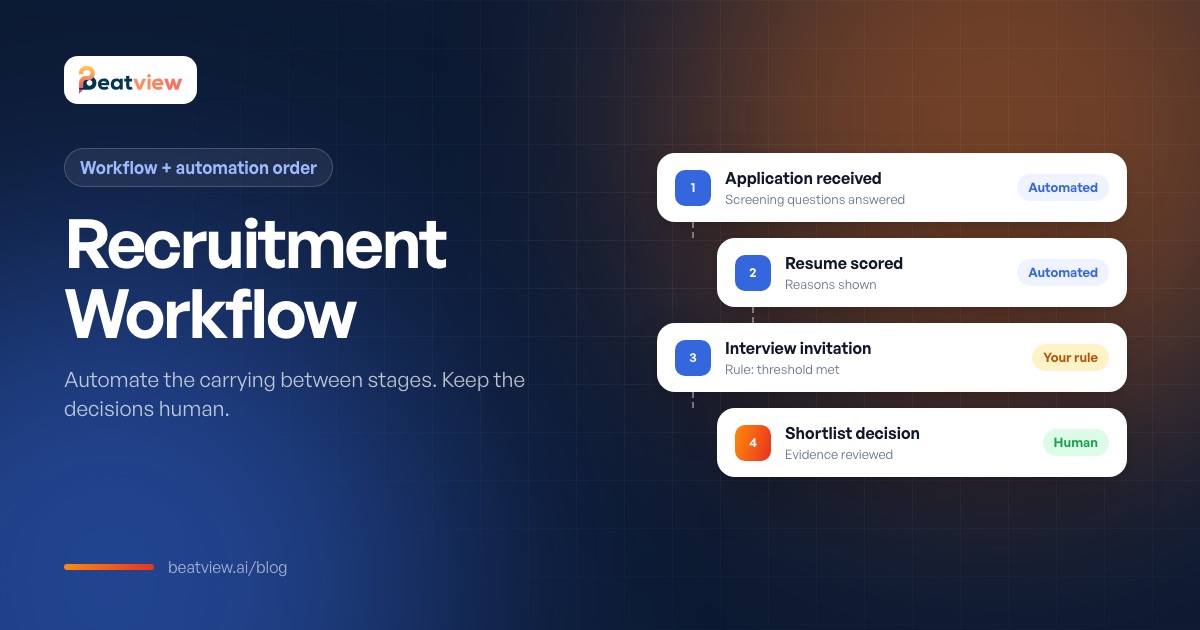
Recruitment Workflow: Stages, What to Automate First and a Setup Checklist
The stages of a recruitment workflow, the order in which to automate them, a trigger-and-action map, what should stay human and a launch checklist for automating your first role.
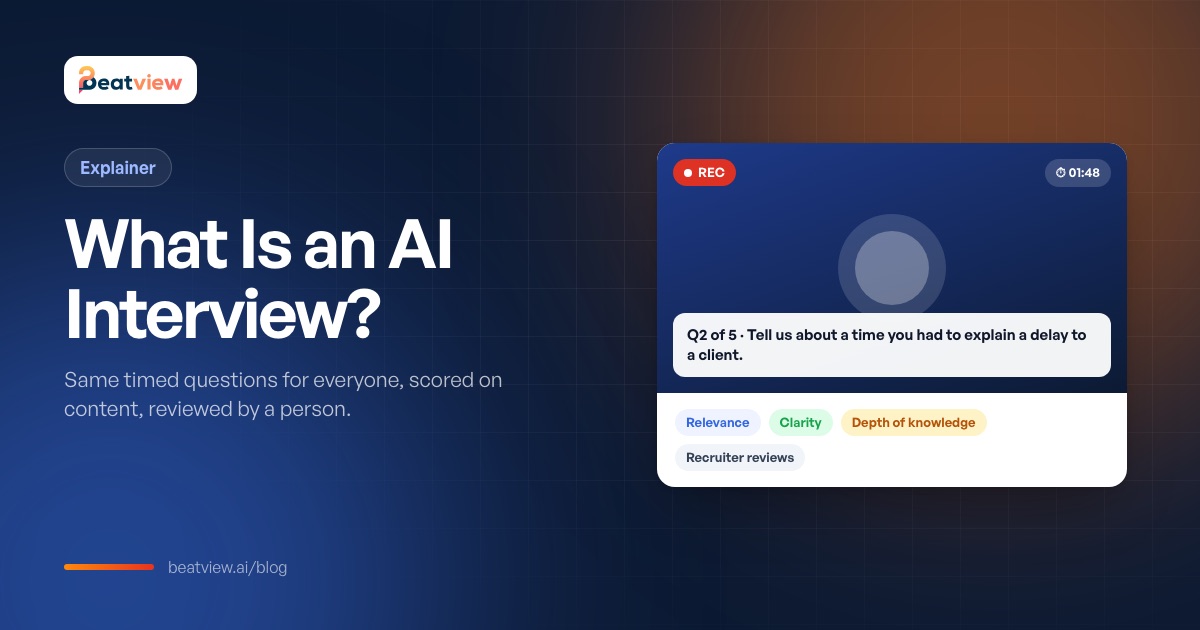
What Is an AI Interview? How AI Interviews Work (and How to Prepare)
What an AI interview is, the main types, how they work step by step, what should and should not be scored, how candidates can prepare and the rules employers must follow.
Video Interview Questions: 25 Questions for One-Way and AI Interviews
25 recorded video interview questions to ask candidates — warm-up, behavioral questions by role family and practical questions — with what a strong answer contains and a question-quality checklist.