High-Volume Recruiting: 8 Strategies, a Capacity Plan and Software Checklist
How to run high-volume hiring: eight strategies, a capacity worksheet for deciding how many candidates to invite, handling incomplete interviews, a software requirements checklist and a pilot plan.
Beatview Team
Updated · 6 min read
Key takeaways
- In high-volume recruiting the bottleneck is review capacity, not application volume.
- Put factual questions on the application, replace phone screens with a structured recorded first round and reuse role templates.
- Invitations per day = (reviewer minutes ÷ minutes per review) ÷ interview completion rate.
- Treat incomplete interviews as an operational category with a named owner, not as low scores.
- Choose software on entitlements first — active roles, caps, seats and term — then on features, and pilot one role at planned volume.
High-volume recruiting (or high-volume hiring) means filling many similar roles, or screening very large numbers of applicants, in a short period — warehouse and logistics teams, contact centres, retail, hospitality, seasonal staff and graduate intakes. What makes it different is not the number of hires but where the bottleneck sits: applications are cheap for candidates to send and expensive for recruiters to read. A high-volume recruiting strategy therefore starts from your team's review capacity, standardises everything that can be standardised, and removes calendar scheduling from the first round. This guide covers eight strategies, a capacity-planning worksheet, how to handle incomplete interviews, a software requirements checklist, and how to pilot before you scale.
What makes high-volume hiring different
- Review capacity is the constraint. You can always send more invitations; you cannot always read more answers.
- Small inconsistencies multiply. A vague criterion applied to 400 applicants rejects the wrong 40 people.
- Speed decides who you hire. In hourly and entry-level markets, candidates often accept the first reasonable offer.
- Candidate experience is visible at scale. Silence to hundreds of applicants becomes a reputation.
8 high-volume recruiting strategies
One set of criteria, screening questions and interview questions per role family, reused across sites and clients.
Right to work, shift availability, location and licences as knockout questions, so no one needs a call to find out. See screening interview questions.
Most hourly candidates apply on a phone. Test the whole application on mid-range mobile data yourself.
Every candidate answers the same few timed questions when it suits them — no scheduling. See asynchronous video interviews.
Invite only as many candidates as your team can review this week, using a written threshold. The worksheet below shows how.
Rank first, then check evidence only for candidates you intend to shortlist.
Automate acknowledgements and status updates; keep rejection wording approved and consistent.
Completion rate, review backlog and minutes per reviewed interview tell you whether the process is keeping up.
Capacity planning: how many candidates to invite
Scroll to compare →
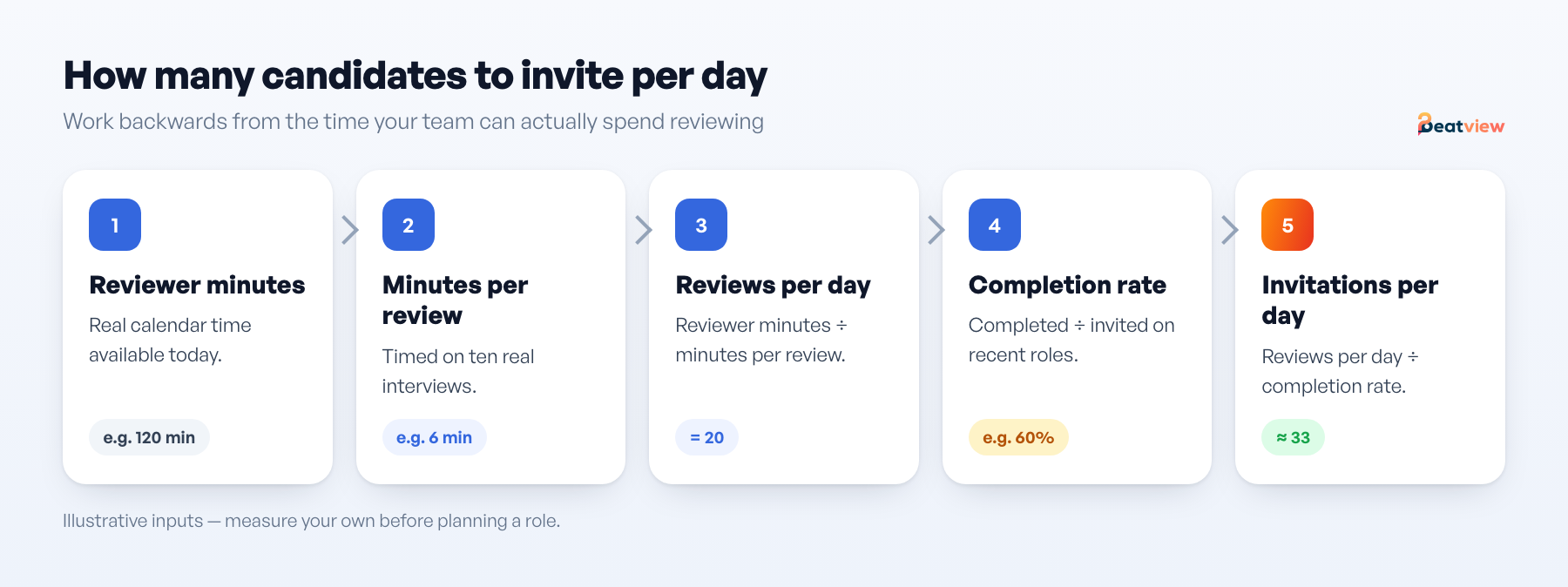
| Step | Input | How to get it |
|---|---|---|
| 1 | Reviewer minutes available per day | Real calendar availability, not headcount × 8 hours |
| 2 | Minutes to review one completed interview | Time yourself on ten of them |
| 3 | Reviews possible per day | Step 1 ÷ step 2 |
| 4 | Interview completion rate | Completed ÷ invited, from recent roles |
| 5 | Invitations you can afford per day | Step 3 ÷ step 4 |
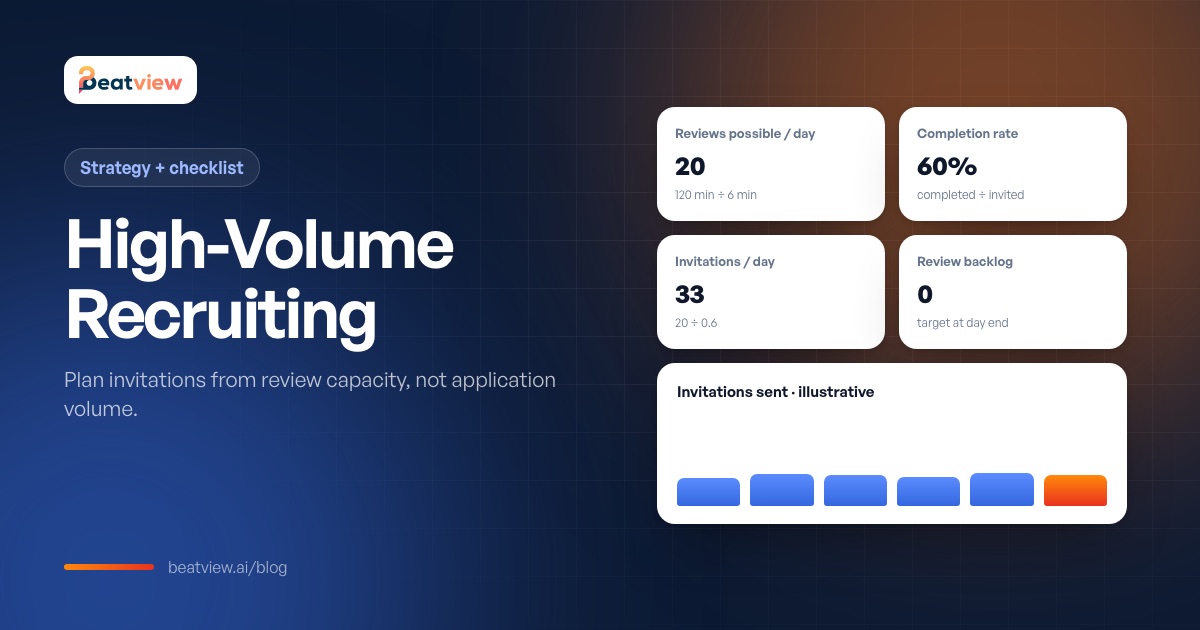
Example with illustrative numbers: 120 reviewer minutes ÷ 6 minutes per review = 20 reviews a day; at a 60% completion rate you can send about 33 invitations a day. Sending more does not increase throughput — it ages your backlog. Download the interview capacity worksheet.
Running several roles at once
- Close finished roles so they do not use an active slot.
- Stagger invitation sends across roles; two roles inviting on the same morning create one review pile.
- Give each role one named reviewer — shared ownership is the most common reason completed interviews sit unread.
- Keep the question set stable within a role so candidates stay comparable.
Incomplete interviews are an operational category
Scroll to compare →
| Situation | What to do | Owner |
|---|---|---|
| Invitation never opened | One reminder, then decide whether to proceed on resume evidence alone | Recruiter |
| Started, not finished | Review what exists; ask the candidate to complete | Recruiter |
| Technical interruption reported | Re-invite and note the reason, so it is not read as low interest | Recruiter |
| Declined | Close on the role with the reason recorded | Recruiter |
High-volume recruiting software: requirements checklist
High-volume software decisions usually go wrong on entitlements, not features. Check them in this order:
Scroll to compare →
| Area | What to confirm in writing or in a trial |
|---|---|
| Capacity and entitlements | Active roles on the quoted plan, what happens at the limit, caps on applications or interviews, seats, minimum term |
| Intake and screening | Bulk intake tested on a real batch; unreadable resumes visible; duplicates handled; scores you can inspect |
| Interview stage | Identical questions per role; abandoned interviews show no score and stay reviewable; evidence per scored dimension |
| Automation | Which actions run without a person, and confirmation that shortlisting and hiring decisions stay human |
| Candidate experience | Completion on a mid-range phone; clear notice that AI is used; branding |
| Client sharing (agencies) | Share a shortlist with a client who has no account; restrict what they see; passwords or expiry |
| Data and support | Export tested; retention and deletion demonstrated; activity history per candidate; support on a busy day |
Also budget separately for what screening software does not do: timesheets and payroll, client CRM, invoicing and work-sample testing; the platforms that cover those jobs are compared in recruitment agency software. For evaluating AI interview vendors specifically, see AI interview software.
Pilot on one role before you scale
- An invitation you send yourself arrives and opens on mobile.
- A completed interview plays back in full, with scores and evidence.
- An abandoned interview shows no scores and the candidate stays reviewable.
- A shared link exposes only what you intended.
- A full day at planned volume leaves the review backlog at zero.
If the volume rehearsal fails, lower the invitation cap — not the review standard.
Where Beatview fits
Beatview is built for the front of a high-volume funnel: applications arrive through your branded careers page or job-board links with the same screening questions; every resume is scored against the role with reasons; a stage rule can invite candidates above your threshold to a structured video interview; and completed interviews are scored on relevance, clarity, depth of knowledge and overall. Pro is $219/month, or $179/month billed annually, with up to three active jobs and unlimited candidates per job; if you run more roles at once, Enterprise is quoted per agency. We publish no throughput figures — your practical limit is your review capacity, which you should measure in a pilot. See Beatview for recruitment agencies.
Frequently asked questions
What is high-volume recruiting?
High-volume recruiting is hiring many people for the same or similar roles, or screening very large applicant numbers, in a short time — common in logistics, contact centres, retail, hospitality and seasonal hiring.
What are the best high-volume hiring strategies?
Standardise roles and reuse templates, put factual questions on the application, make applying mobile-friendly, replace phone screens with a structured recorded first round, invite according to review capacity, review in two passes and tell every candidate the outcome.
How many candidates should I invite to interview per day?
Divide the reviewer minutes you have by the minutes one review takes, then divide by your interview completion rate. For example, 120 minutes ÷ 6 minutes = 20 reviews; at 60% completion, about 33 invitations a day.
What should high-volume recruiting software include?
Enough active roles and seats for your volume, bulk intake with visible parse failures, inspectable scores, a structured first-round interview without scheduling, editable automation rules, mobile-friendly candidate screens, client sharing controls and tested data export.
Can AI interviews help with high-volume hiring?
Yes, by removing scheduling from the first round and giving every candidate the same questions. They only help if your team has the capacity to review the completed interviews, so plan invitations from review capacity.
Free resource · Version 14 September 2026
Download the high-volume requirements checklist
Agency requirements across capacity and entitlements, intake and screening, the interview stage, stage rules, candidate and client experience, data and export, and support — plus what is out of scope for a screening tool and the questions to settle before a pilot.
Download CSV checklistMove an application from screening to interview
Use your configured workflow and review the completed result.
Start with one active job for free, or explore how Pro adds AI video interviews.
- Application screening
- AI video interviews
- Candidate event log
Related Articles
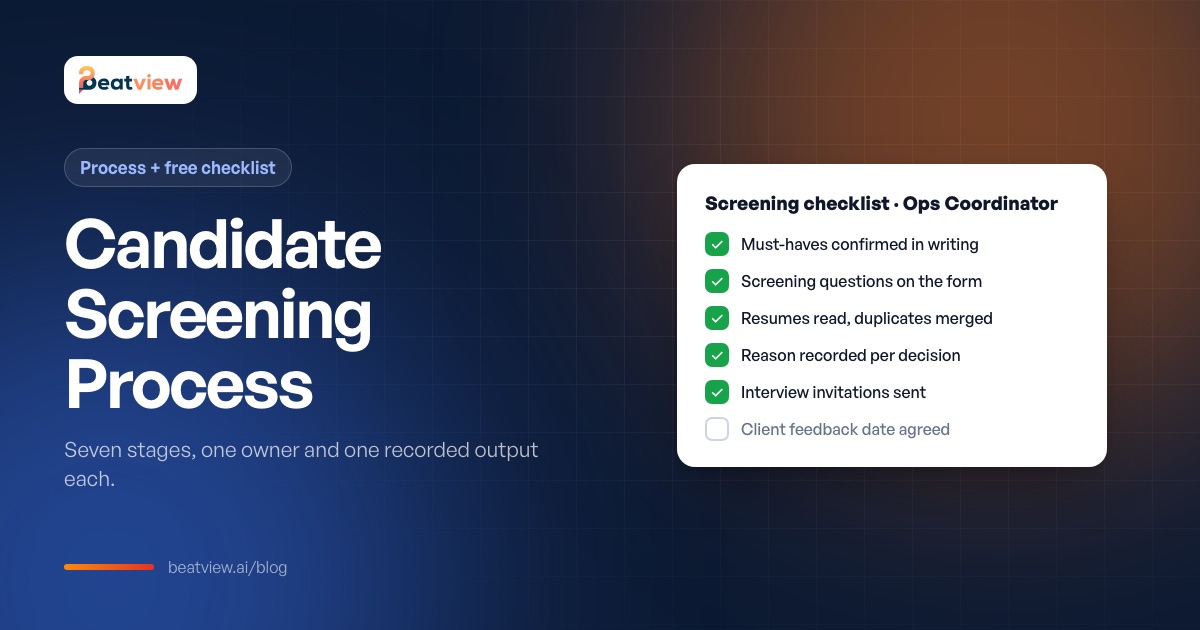
Candidate Screening Process: 7 Stages, Methods and a Free Checklist
What candidate screening is, the screening methods compared, a seven-stage process with an owner and output for each stage, and a downloadable candidate screening checklist.
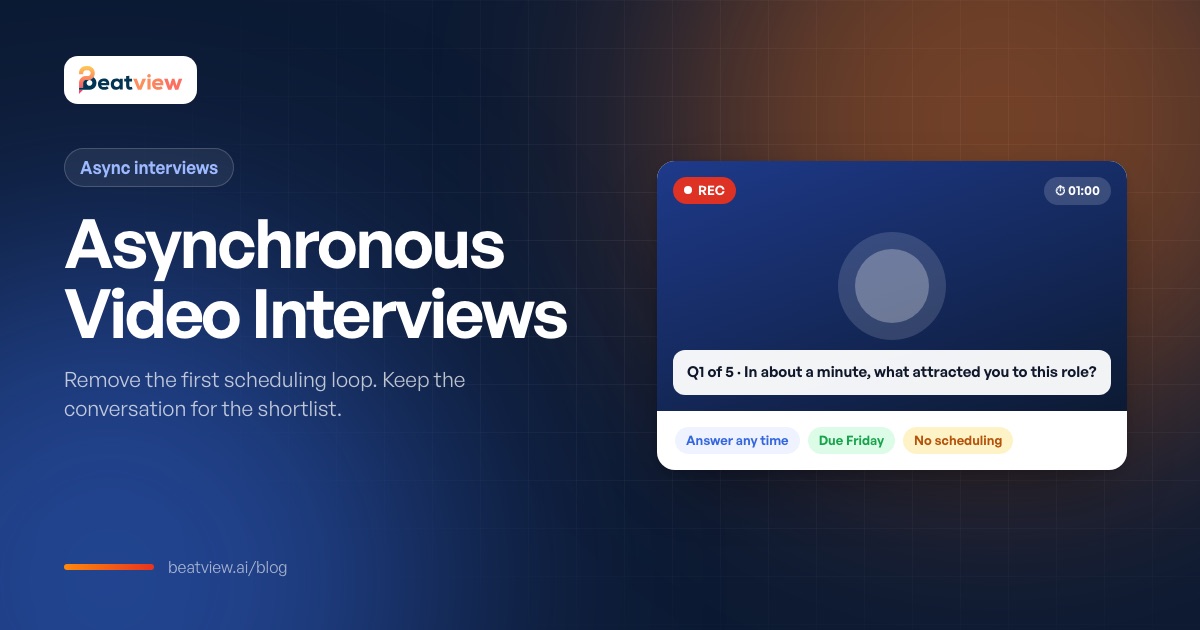
Asynchronous Video Interviews: How Async Interviews Cut Scheduling Delays
What an asynchronous video interview is, how it compares with live interviews, which scheduling delays it removes (and which it does not), when it fits and how to handle unfinished interviews.
AI Interview Software: How It Works, 8 Platforms Compared and a Buyer Checklist
The three types of AI interview software, how they work, eight platforms compared on format, AI features and published pricing, a checklist for the AI scoring layer and a one-week trial plan.