How to Screen Resumes Quickly Without Missing Good Candidates (5 Steps)
A five-step resume screening process for recruiters: criteria a resume can evidence, a batch intake check, review against criteria, a written rule for clear passes and a manual check of exceptions.
Beatview Team
Updated · 7 min read
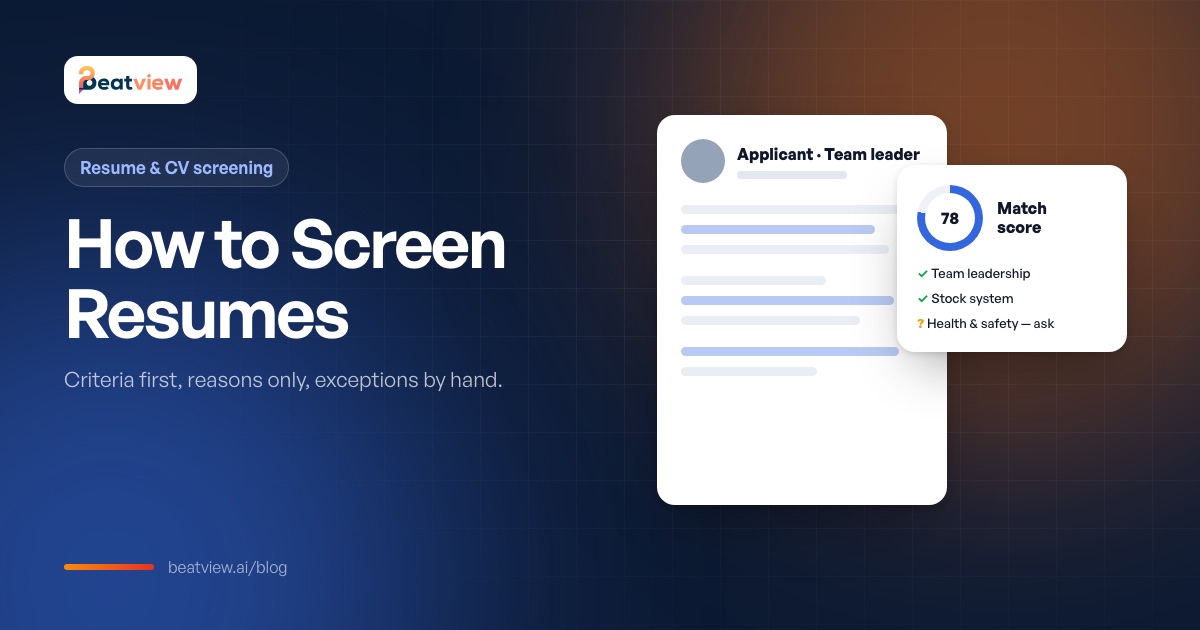
Key takeaways
- Screen resumes against four to six criteria a resume can evidence, written and agreed before you open the batch.
- For each requirement, mark evidence as present, missing or contradicting — only a contradiction is a clear rejection.
- Move clear passes forward with a written rule and keep rejection a human decision with a stated reason.
- Inspect exceptions by hand: unreadable files, duplicates, thin matches and strong careers that score low.
- Gaps, short tenures and career changes are questions to ask, not red flags to reject on.
To screen resumes quickly without missing good candidates, stop reading them one by one in arrival order and run a fixed first pass instead: write four to six criteria a resume (or CV) can actually evidence, check every application in the batch was read correctly, review each resume against those criteria only, move clear passes forward with a written rule, and inspect the exceptions by hand. This guide explains each of the five steps, what recruiters should and should not look for when screening resumes, common "red flags" that are not red flags at all, and how to measure your own review time.
What is resume screening?
Resume screening (called CV screening in the UK and much of Europe) is the step where a recruiter compares each application with the requirements of the role and decides who moves on to the next stage — usually a screening call or a structured first-round interview. It is the highest-volume decision in hiring: one role can bring hundreds of applications, and every person rejected here never meets an interviewer. That is why the method matters more than the speed.
How to screen resumes in 5 steps
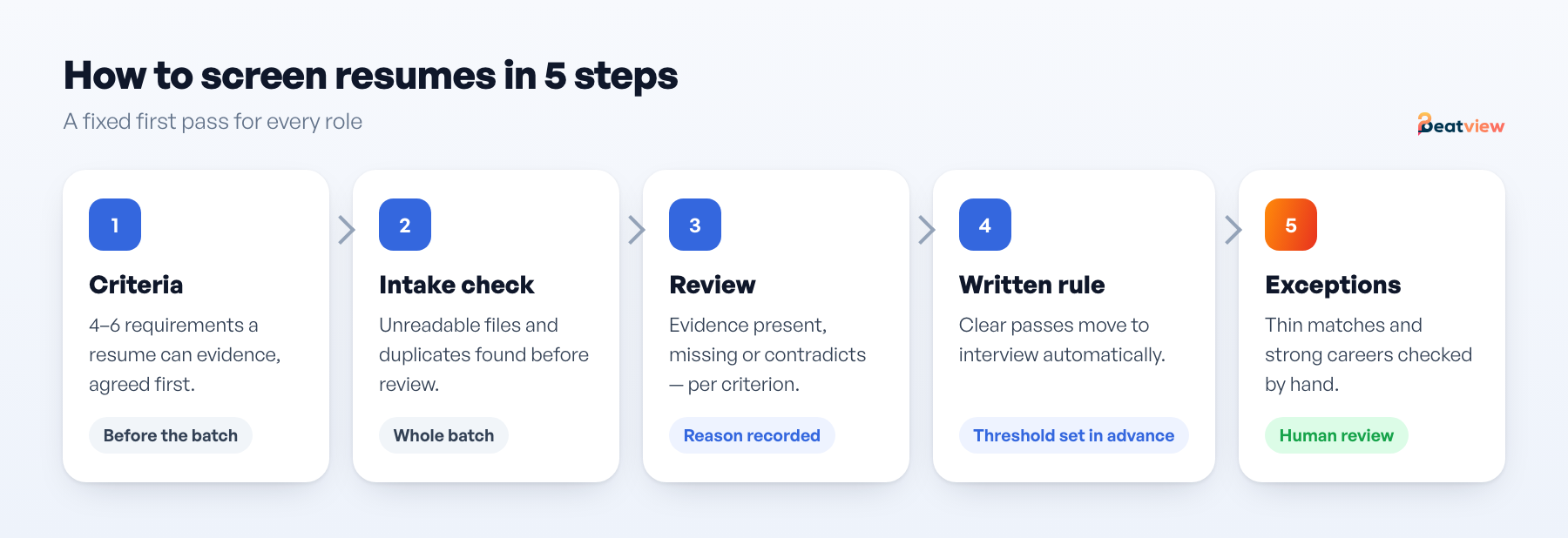
Step 1 — Define criteria a resume can evidence
Write four to six criteria that a resume can demonstrate. "Two years scheduling in a warehouse environment" can be evidenced; "culture fit" cannot, and belongs in the interview. Mark each as required or preferred, and agree them with the hiring manager or client before you open the batch. If a criterion is genuinely disqualifying — right to work, a licence, a location constraint — make it a screening question on the application form rather than something you hunt for in prose.
Step 2 — Check the whole batch arrived intact
Before reading anything, check which applications failed to upload or could not be read (scanned images, unusual layouts) and merge duplicates. At volume these are invisible losses, and they are usually real candidates, not junk.
Step 3 — Review against the criteria, not the whole document
For each resume, answer one question: is there evidence for each required criterion? Distinguish three outcomes:
- Evidence present — the resume shows the requirement. Verify it later in the interview.
- Evidence missing — the resume is silent. The candidate may still qualify; this is a question for the interview, not a rejection.
- Evidence contradicts — the resume shows the requirement is not met. A clear no, and you can write the one-line reason immediately.
Write the reason as you go. A rejection you cannot justify in one sentence is one you will have to revisit later.
Step 4 — Move clear passes forward with a written rule
Decide your threshold before you look at the batch and write it down — for example, "all required criteria present" moves to interview. Keep rejection a human decision with a written policy. There is no universally correct cutoff; revisit yours after the first batch of feedback.
Step 5 — Inspect the exceptions
Scroll to compare →
| Exception | What it usually means | Action |
|---|---|---|
| Could not be read | Scanned or unusual layout | Open manually; never discard |
| Same person applied twice | Duplicate application | Keep the fuller record, review once |
| Strong match, thin detail | Keyword overlap without depth | Check the actual experience before inviting |
| Weak match, strong career | Criteria written too narrowly | Fix the criteria, then re-review |
| Exactly on the threshold | Your rule needs a tie-break | Decide on the required criteria only |
The last two rows are the ones worth your attention: exceptions are how you discover the criteria were wrong before you have rejected forty people with them.
What to look for when screening resumes
Scroll to compare →
| Look for | Why it matters |
|---|---|
| Evidence of the required criteria, in any wording | People describe the same skill differently; read for meaning, not keywords |
| Scope and results: team size, volumes, budgets, outcomes | Separates doing the work from being near it |
| Recency of the relevant experience | Skills used last year and ten years ago are different evidence |
| Transferable experience from adjacent roles | The most common source of overlooked strong candidates |
| Answers to the application questions | Often more comparable than the resume itself |
Resume "red flags" that usually are not
Many traditional red flags screen out good candidates and correlate with protected characteristics. Treat these as questions, not rejections:
- Employment gaps — caring responsibilities, health, study, redundancy. Ask, if it matters for the role.
- Short tenures — contract work, restructures and start-ups make short stints normal in many fields.
- Career changes — non-linear histories are the most common false negative in resume screening.
- No degree — if the job does not require one, do not use it as a filter.
- Unusual formatting or a non-local name — irrelevant to the job; ignoring these is basic fairness.
Genuine red flags are narrower: a direct contradiction of a required criterion, or inconsistencies you would ask about in any case. For a structured approach to fairness, see how to reduce bias in hiring.
Worked example: one role, 180 applications
The figures below are an illustrative example built to show the method — not a customer result or a benchmark.
Scroll to compare →
| Stage | Count | What happens |
|---|---|---|
| Applications received | 180 | Warehouse team leader, one client, two weeks open |
| Could not be read | 4 | Opened manually; two were viable |
| Duplicates | 6 | Merged to one record each |
| Failed a knockout question | 21 | Reason recorded from the application answer |
| Reviewed against criteria | 153 | Evidence present / missing / contradicts noted |
| Invited to interview | 28 | All required criteria present |
| Exceptions inspected by hand | 9 | Three moved up after the criteria were corrected |
Note what the process did not do: it did not decide who was submitted to the client. That happened after interviews, with a person reading the evidence. The next step is covered in how to shortlist candidates.
How long should you spend on each resume?
You will often see a figure of "six to seven seconds" quoted for how long recruiters look at a resume. That describes a glance, not a screening decision. A complete review with a recorded reason takes minutes. The honest way to speed up is not to glance faster but to read less: criteria first, reasons only, exceptions by hand. To see what your current process costs, try the free screening cost calculator, then record five numbers on one role — applications, start time, shortlist-ready time, candidates opened in full, exceptions — and compare after one change. The recruitment metrics guide has definitions.
Screening resumes with software
Resume screening software reads each application, compares it with the role and shows a score with the reasons behind it, which turns step 3 into reading reasons rather than whole documents. It does not remove the need to inspect exceptions. How the matching works — and where it goes wrong — is explained in AI resume screening; choosing a tool is covered in the resume screening software guide.
In Beatview, every application is read and scored against the role with the skills and experience behind the score; a stage rule can send the structured interview invitation once a resume score clears the threshold you set; and rejections stay with your recruiters. See Beatview resume screening.
Frequently asked questions
How do you screen resumes effectively?
Write four to six job-related criteria first, check every application was received and read, review each resume only against those criteria, record a one-line reason for each decision, advance clear passes with a written rule and inspect exceptions by hand.
What do recruiters look for when screening resumes?
Evidence of the required criteria in any wording, the scope and results of past work, how recent the relevant experience is, transferable experience from adjacent roles, and the candidate’s answers to application questions.
Is an employment gap a red flag on a resume?
Not on its own. Gaps often reflect caring responsibilities, health, study or redundancy. If it matters for the role, ask about it rather than rejecting the candidate.
How long should it take to screen a resume?
A glance takes seconds, but a real screening decision with a recorded reason usually takes a few minutes. Speed up by reviewing only against written criteria and handling exceptions separately.
What is the difference between resume screening and CV screening?
They are the same activity. "Resume" is the common US term and "CV" is used in the UK and much of Europe.
Move an application from screening to interview
Use your configured workflow and review the completed result.
Start with one active job for free, or explore how Pro adds AI video interviews.
- Application screening
- AI video interviews
- Candidate event log
Related Articles
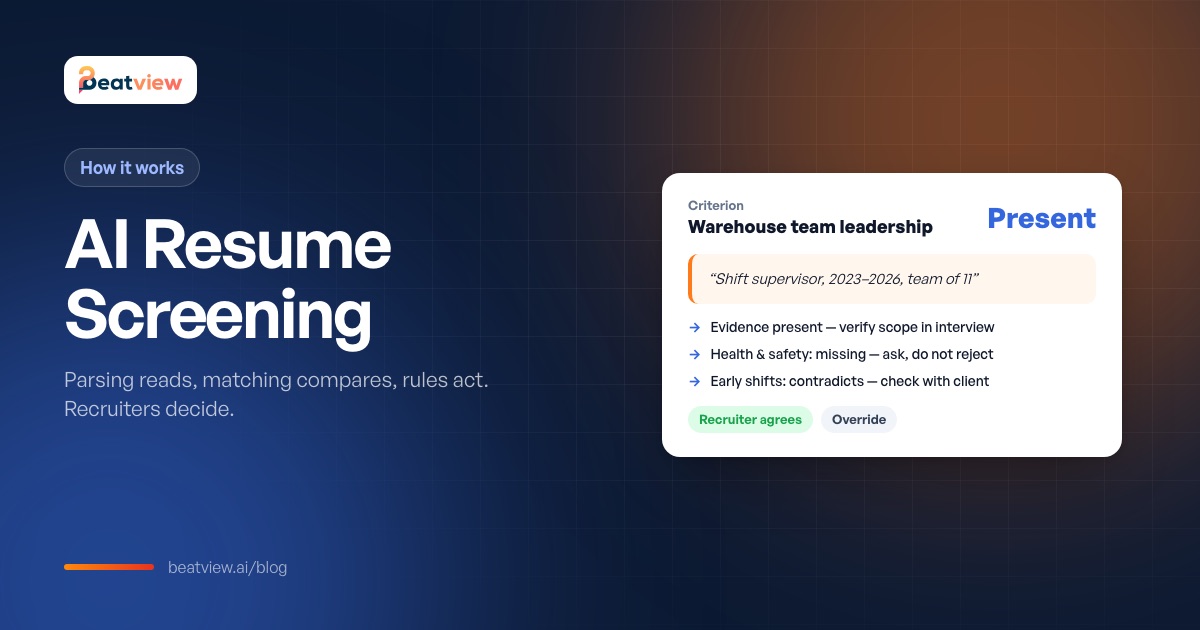
AI Resume Screening: How It Works, Bias Risks and AI vs Manual Review
How AI resume screening works — parsing, matching and stage rules — what good output looks like, how it compares with manual screening, where bias comes from and what recruiters still need to check.
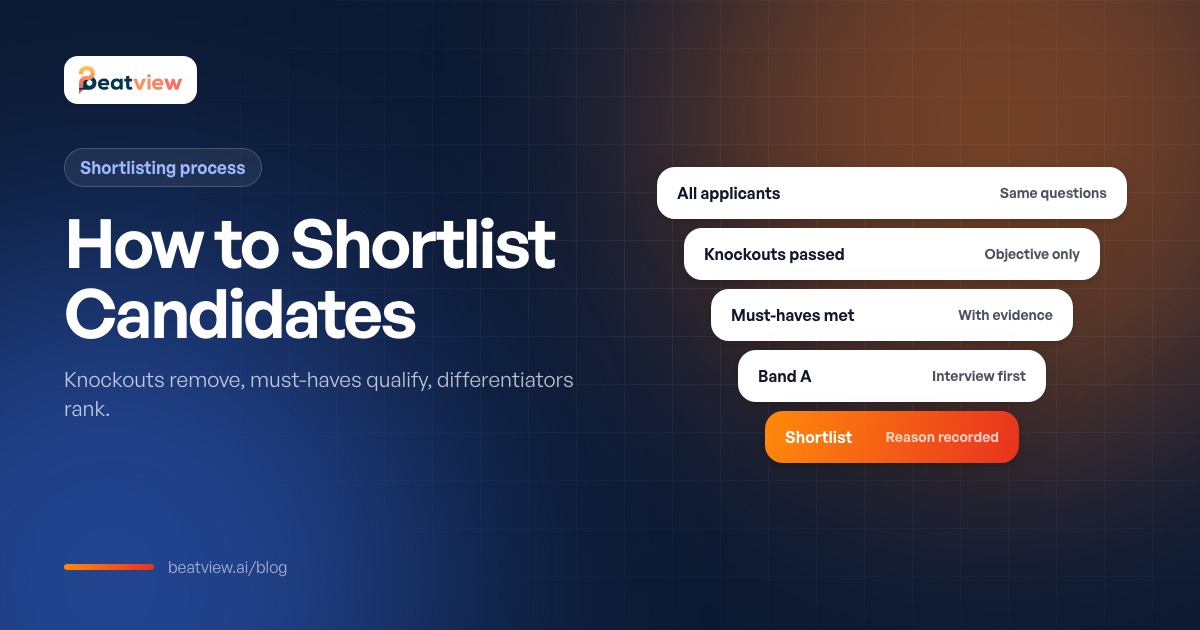
How to Shortlist Candidates: A Step-by-Step Shortlisting Process
How to shortlist candidates after CV or resume screening: knockouts, must-haves and differentiators, a six-step process, a shortlisting matrix template and how many candidates to shortlist.
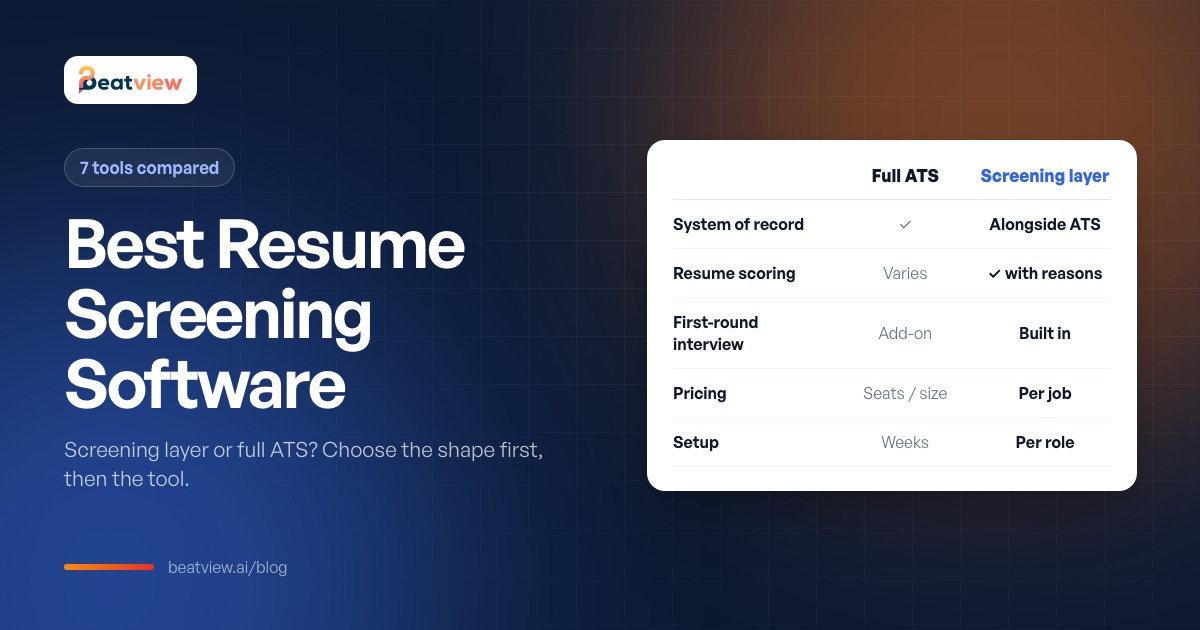
Best Resume Screening Software: 7 Tools Compared and How to Choose
Seven resume screening tools compared on screening approach, pricing model and best fit, the four jobs screening software does, an eight-point buying checklist and advice for startups.