AI Hiring Software: How to Choose Without Adding Risk (Evaluation Checklist)
The main types of AI hiring software, a seven-area evaluation built on "demonstrated or not shown", five questions that separate vendors quickly and a bounded pilot plan with acceptance criteria.
Beatview Team
Updated · 6 min read
Key takeaways
- AI hiring software spans resume screening, AI interviews, sourcing, assessments, workflow agents and interview intelligence — decide which job you need done first.
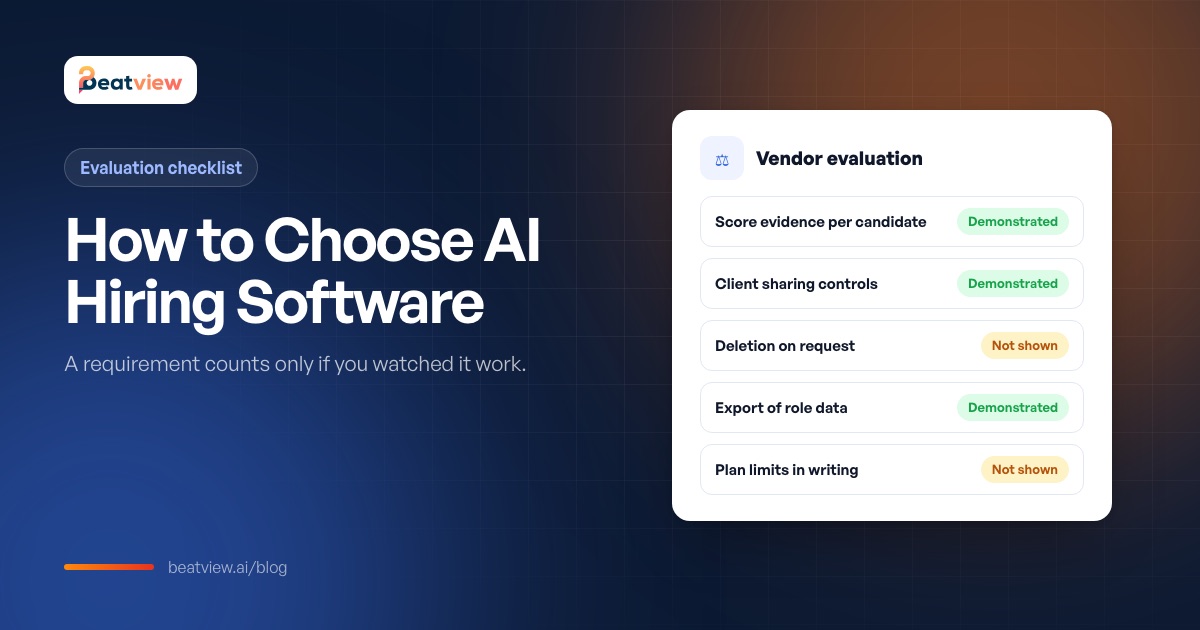
- Mark every requirement "demonstrated" or "not shown"; never score on a sales claim.
- Evaluate seven areas: workflow, candidate experience, access and sharing, plan entitlements, integrations, data handling and proof.
- Five demo questions separate vendors fast, starting with "show me what produced this candidate’s score".
- Run a two-to-four-week pilot on one real role with acceptance criteria written before you start.
AI hiring software (also called AI recruiting software) uses artificial intelligence to carry out or support steps in recruitment — reading and scoring applications, running and scoring interviews, ranking candidates, drafting job ads and automating the workflow between stages. Choosing it well comes down to one rule: a requirement counts only if you watched it work on your own data. Most evaluations fail because a scoring spreadsheet gets filled in from vendor websites and demo talk tracks, and every vendor lands around 80%. This guide covers the main categories of AI hiring software, a seven-part evaluation built on "demonstrated or not shown", the questions that separate vendors quickly and a bounded pilot plan. Download the vendor evaluation sheet to use alongside it.
Types of AI hiring software
Scroll to compare →
| Category | What the AI does | Examples of where it sits |
|---|---|---|
| AI resume screening | Reads applications and scores them against the role, with reasons | Screening layers and many ATS products |
| AI interviews | Delivers structured questions and scores or summarises answers | One-way video and conversational interview tools |
| AI sourcing | Finds and ranks passive candidates, drafts outreach | Sourcing tools and recruiting CRMs |
| Assessments | Scores skills, cognitive or personality tests | Assessment platforms |
| Recruiting agents and automation | Carries candidates between stages when conditions are met | Workflow tools and "AI recruiting agents" |
| Interview intelligence | Transcribes and summarises live interviews | Note-taking tools for later rounds |
Decide which job you are hiring the software to do before comparing vendors. For screening and interviews specifically, see resume screening software and AI interview software; for what an agent does, see what is an AI recruiting agent. For a vendor shortlist grouped by the stage each tool covers, see the best AI recruiting software for agencies.
The one rule: demonstrated, or not shown
Replace 1–5 scores with two states. Demonstrated means you saw it working in a live demo or your own trial, on your data or a realistic sample. Not shown covers everything else — roadmap features, confident descriptions on a call, features that need a plan you are not buying. "Not shown" is not a failure; it is unknown, and unknowns must not average away against strengths.
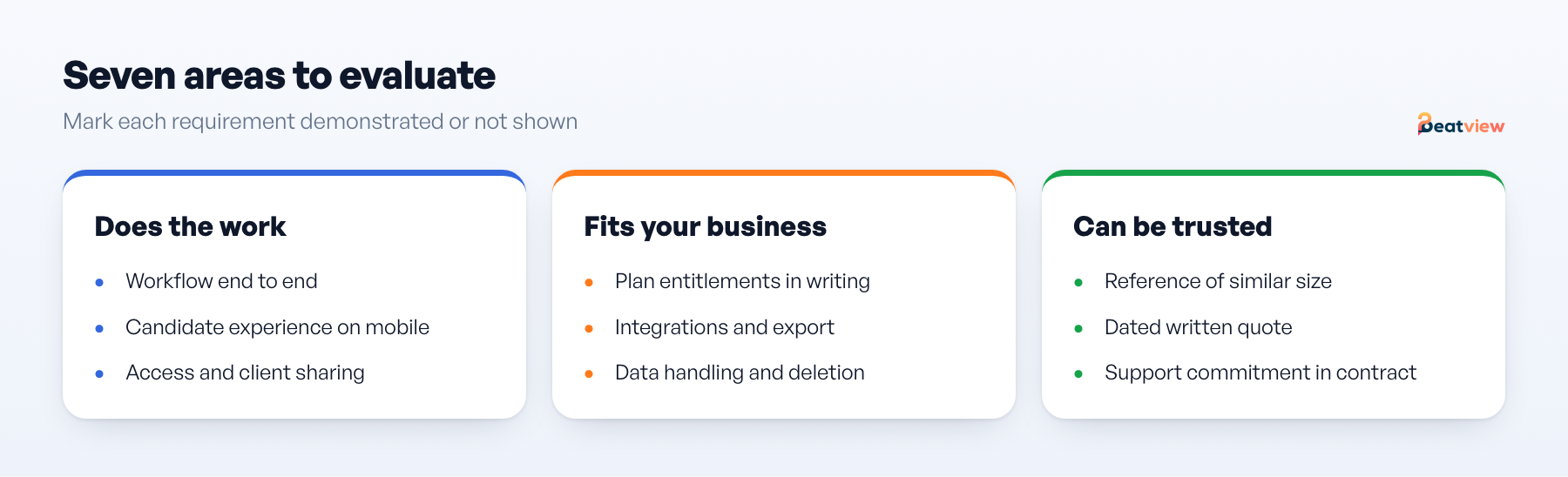
How to evaluate AI hiring software: 7 areas
1. Workflow
Scroll to compare →
| Requirement | How to verify |
|---|---|
| Create a role and its criteria end to end | Do it yourself in the trial, not in a guided demo |
| Bulk intake and automatic scoring | Upload a real batch from a past role |
| Scores you can inspect per candidate | Open one candidate and read what produced each part of the score |
| First-round interviews without scheduling | Send an invitation to yourself and complete it |
| Behavior when a candidate does not finish | Abandon an interview deliberately and see what the tool shows |
2. Candidate experience
Complete an interview on a mid-range phone on mobile data. Interrupt an answer to see the retry path. Read every candidate-facing screen and check the notice that AI is used — some jurisdictions require it (see AI hiring laws).
3. Access and sharing
The agency-specific section most guides skip: can you share a shortlist with a client who has no account, restrict what they see, set a password or expiry, and keep one client's candidates out of another's view? Test each in a private browser window.
4. Plan entitlements
Get in writing: active roles included, screening or interview volume, seats and the cost of one more, what happens at the limit and the minimum term. A plan that is cheap at three roles and punitive at six is expensive for an agency with lumpy demand.
5. Integrations
Name the two or three integrations you genuinely need and ask which plan includes each. Ask for an export of one role's data and open it — an export you have seen beats an integration you have been promised.
6. Data handling
Where is candidate data stored? What is the retention period? Can a candidate's data be deleted on request — demonstrated, not described? Is there a subprocessor list? Is your data used to train models? Can you see an activity history for one candidate months later?
7. Proof
One reference customer of similar size and model, spoken to directly; published pricing or a dated written quote; a support commitment in the contract. Case studies and badges are not proof.
Five questions that separate vendors quickly
- Show me one candidate's score and tell me exactly what produced each part of it.
- Show me what a client sees when I share a shortlist — and what they cannot see.
- What happens on my account when I exceed the included volume?
- Delete this test candidate now, and show me it is gone.
- Which of the things you have shown me require a higher plan than the one you quoted?
For the transparency side of question 1, see explainable AI in recruiting.
Run a bounded pilot
- Scope: one real role, one client, one reviewer, a fixed number of candidates.
- Duration: two to four weeks, with the decision date in the calendar before you start.
- Acceptance criteria, written first: reviewer minutes per shortlisted candidate; whether the client accepted the shortlist format; interview completion rate; whether the role completed end to end; no data incident.
- Decision: rule on the criteria as written. Criteria discovered mid-pilot belong to the next evaluation.
Set targets from your own current numbers — see recruitment metrics — not from a vendor's claim.
Apply the checklist to us
Beatview does not offer SSO or SCIM, model-drift alerting, fairness dashboards, per-rater score normalisation or configurable scoring weights. What you can verify in a trial: resume screening with scores and reasons, structured timed interviews with per-dimension evidence, an overall match score that is the plain average of the resume and interview scores, an optional Work Style assessment, and client sharing through password-protected links. Pro is $219/month or $179/month billed annually with up to three active jobs; Zapier and API are Enterprise features. If any vendor claims more, ask them to demonstrate it on your data. See features and pricing.
Frequently asked questions
What is AI hiring software?
Software that uses AI to carry out or support recruiting steps — scoring applications, running and scoring interviews, ranking candidates, sourcing, assessments and automating the workflow between stages.
How do I choose AI hiring software?
Decide which job you need done, then evaluate workflow, candidate experience, access and sharing, plan entitlements, integrations, data handling and proof — counting only what you saw demonstrated on your own data — and run a bounded pilot on one real role.
What questions should I ask AI recruiting software vendors?
Ask them to explain exactly what produced one candidate’s score, show what a client sees when you share a shortlist, explain what happens when you exceed your volume, delete a test candidate in front of you, and list which features require a higher plan.
Is AI hiring software risky?
It can be if scores are opaque, candidates are rejected automatically, data handling is unclear or legal duties such as notice and bias audits are ignored. Choosing tools with visible evidence and keeping humans in decisions reduces the risk.
Free resource · Version 14 September 2026
Download the vendor evaluation sheet
One column per vendor across workflow, candidate experience, access and sharing, plan entitlements, integrations, data handling and proof — plus pilot acceptance criteria. Every row is marked demonstrated or not shown, never scored on a sales claim.
Download CSV evaluation sheetMove an application from screening to interview
Use your configured workflow and review the completed result.
Start with one active job for free, or explore how Pro adds AI video interviews.
- Application screening
- AI video interviews
- Candidate event log
Related Articles
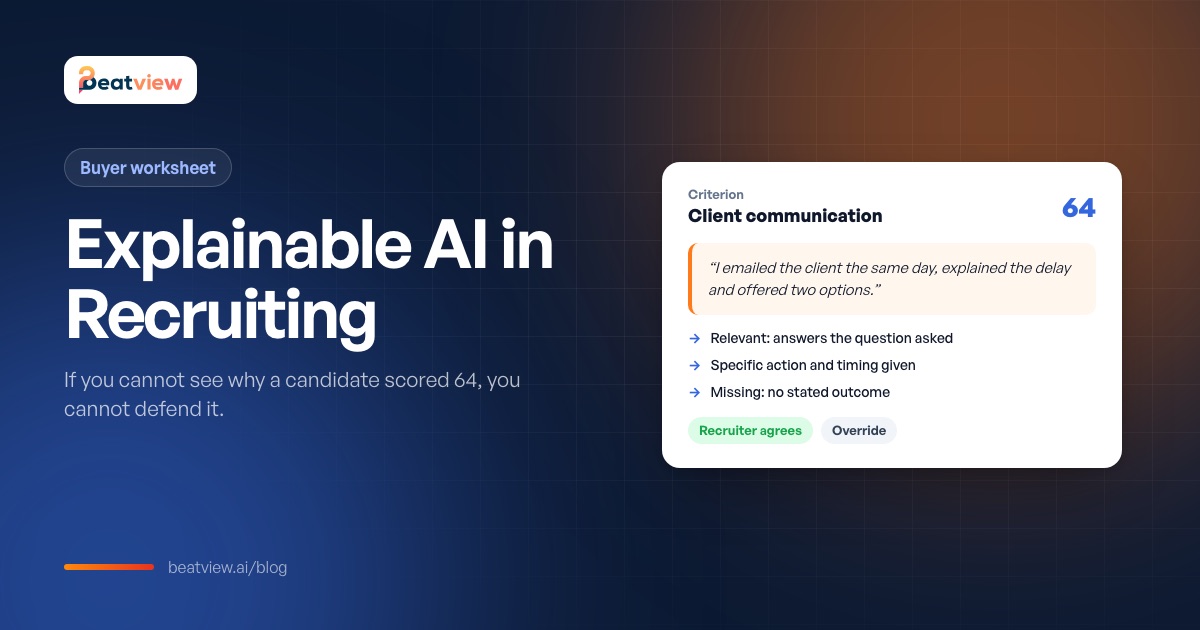
Explainable AI in Recruiting: 5 Things Every Hiring Tool Must Show
What explainable AI means in recruiting, why it matters legally and commercially, the five things to inspect on one candidate in a vendor demo, and what a real explainable candidate record looks like.
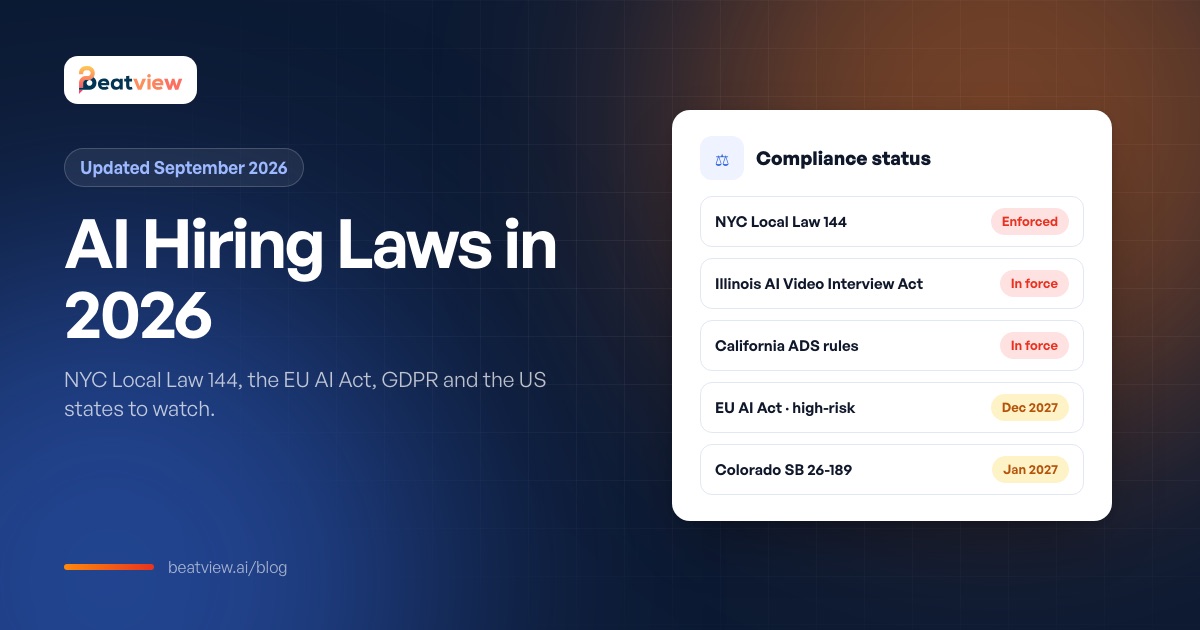
AI Hiring Laws in 2026: NYC Local Law 144, EU AI Act, GDPR and US State Rules
The main AI hiring laws and their status as of September 2026 — NYC Local Law 144, Illinois, California, Colorado, US federal law, the EU AI Act, GDPR and the UK — plus an agency compliance checklist.
AI in Recruitment: Uses, Benefits, Risks and How to Adopt It in 2026
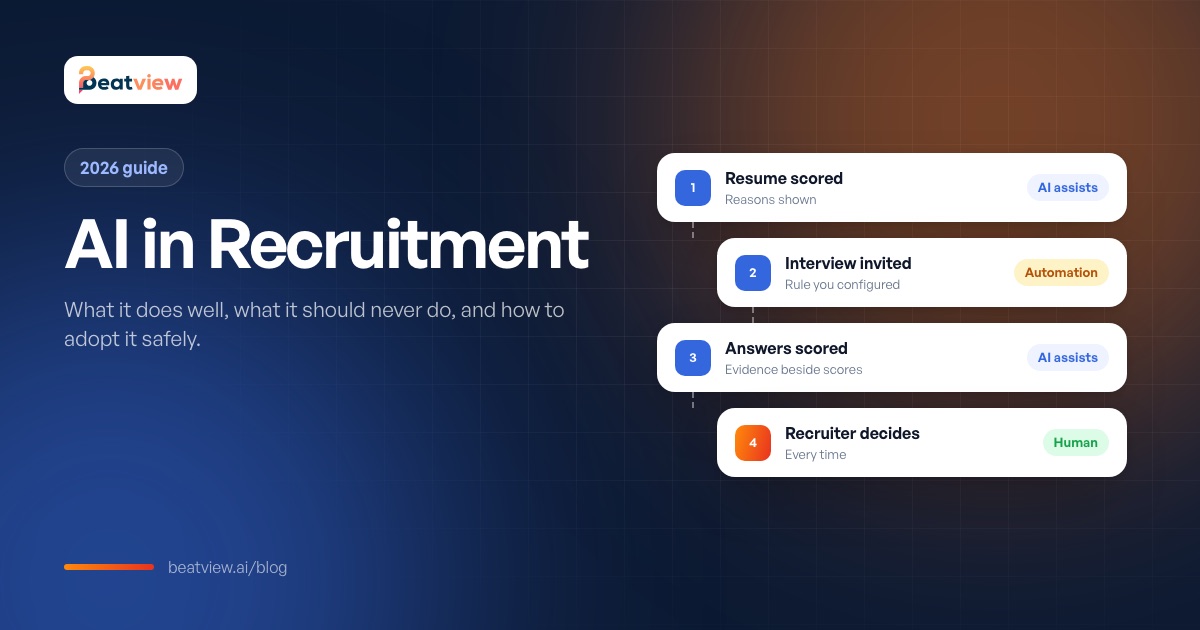
How AI is used across the recruitment process, assistance vs automation, the real benefits and risks, the rules that apply and a five-phase plan for adopting AI without disrupting delivery.