AI Resume Screening Tools: A 10-Point Checklist Before You Buy
How to evaluate AI resume screening tools: ten things to check, a three-candidate demo test, vendor claims to treat with caution and the compliance questions every vendor should answer.
Beatview Team
Updated · 6 min read
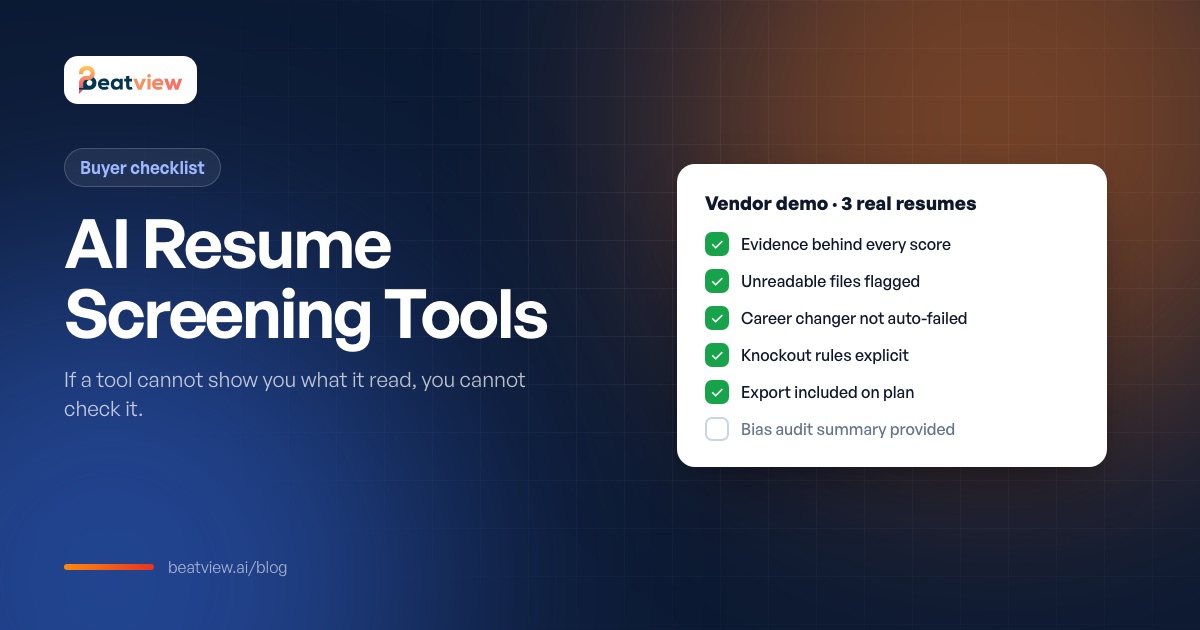
Key takeaways
- Only count capabilities you have watched work on your own resumes, including an awkward candidate.
- The most important check is whether every score shows the resume evidence that produced it.
- Run a demo with three known candidates: an obvious yes, a borderline and an awkward one.
- Treat "removes bias", "90% accurate" and "fully automated" as claims to verify, not features.
- Ask about bias audits, candidate notice, data location, model training and human review before you sign.
Before you buy an AI resume screening tool, run one test: upload three real applications for a role you have already filled and ask the vendor to show you, for each one, exactly what the software read and why it scored the way it did. A tool worth buying can show the evidence behind every score — the skills it found, the experience it counted and the fields it could not read. A tool that only shows a number is asking you to trust it blind. This article is the full evaluation checklist: ten things to check, how to run the demo test, the vendor claims to treat with caution, and the compliance questions to ask.
The one rule for evaluating AI screening tools
Every claim about accuracy, fairness or speed is only as good as your ability to check it on a candidate you understand. So the rule is simple: a capability only counts if you watched it work on your own resumes — not a vendor-prepared sample. Include the awkward ones: a career changer, an unusual format, a candidate who is clearly qualified but uses different words from the job ad.
AI resume screening tools checklist: 10 things to check
Scroll to compare →
| # | What to check | What good looks like | Warning sign |
|---|---|---|---|
| 1 | Evidence behind the score | Clicking a score shows the resume content that produced it | A score with no explanation, or explanation only in sales material |
| 2 | Unreadable files | Files that could not be read are flagged, not silently scored low | A scanned PDF comes back with a low score and no warning |
| 3 | Career changers and gaps | Missing keywords appear as a question, not an automatic fail | Anything unusual is treated as a fail |
| 4 | Knockout rules you control | Must-haves are explicit rules, separate from the score | Must-haves baked into a score you cannot inspect |
| 5 | What the recruiter sees first | A ranked list with reasons and a clear next action | A wall of percentages |
| 6 | Automation | Every automatic action is visible and editable before it runs | Automation on by default and hard to audit |
| 7 | Data handling | Documented retention, deletion on request, processing location, no training on your data without consent | Vague answers or no written policy |
| 8 | Export and exit | You can export candidates and results | Data locked in, or export costs extra |
| 9 | Plan limits | Active jobs, seats and credits stated in writing before you pay | Limits appear only after signup |
| 10 | Disputing a score | A documented way to override and record why | "The algorithm is usually right" |
How to run the demo test
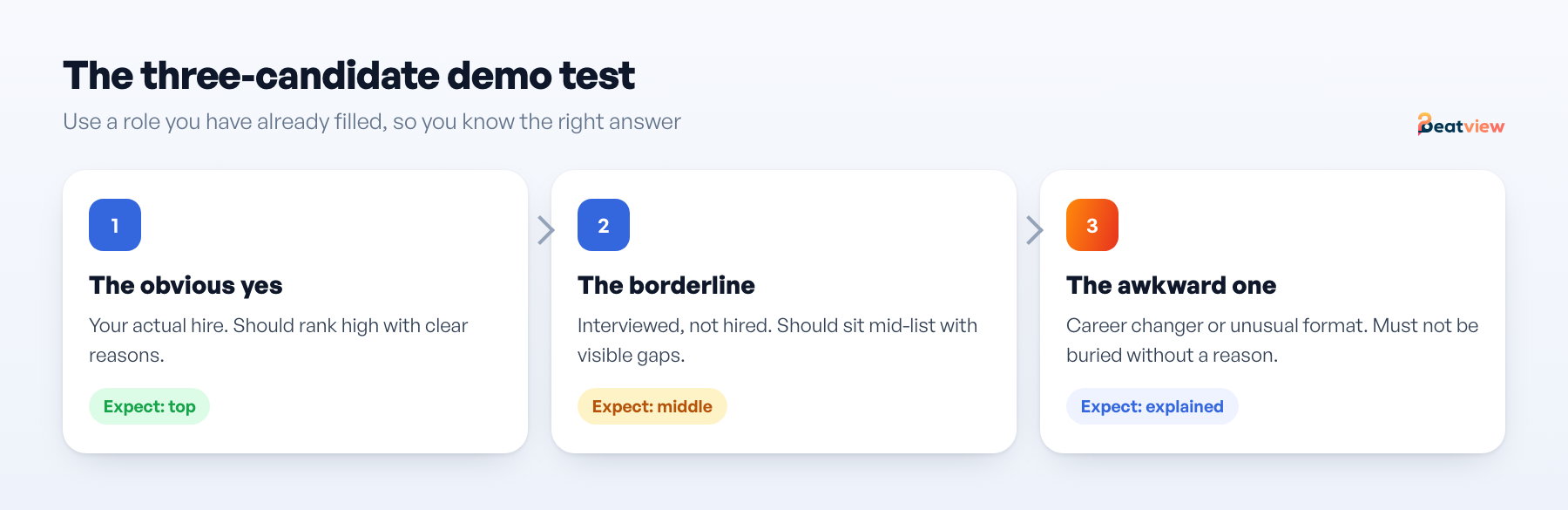
Bring three applications from a role you have already filled, so you know the right answer:
- The obvious yes — the person you hired, or someone like them. The tool should rank them high and show why.
- The borderline — someone you interviewed but did not hire. The tool should place them in the middle with visible gaps.
- The awkward one — a career changer, an unusual format, or a strong candidate with non-standard terms. This is the case that exposes black boxes.
For each, ask the same question: show me exactly what you read. If the third candidate gets a low score and nobody can tell you which field produced it, you have learned what you need to know.
What "show me what you read" looks like
A synthetic example — the candidate is invented to show the level of detail to demand, not a real result.
Scroll to compare →
| Resume field | What the tool read | How it was used |
|---|---|---|
| Experience | 4 years warehouse operations, 2 as shift lead | Meets the 3-year requirement; supervisory experience noted |
| Skills | Inventory systems (named), forklift licence | Licence matched to a knockout rule — pass |
| Terminology | "WMS" not present; "inventory system" is | Flagged as an equivalent term to confirm in interview — not rejected |
| File quality | Text-based PDF, all sections read | No warning raised |
Vendor claims to treat with caution
- "Removes bias." Structure can reduce some inconsistency; no tool removes bias. Ask what they measure, how, and whether a bias audit has been published.
- "90% accurate." Accurate at what, measured how, on whose data? Without a published method, it is marketing.
- "Integrates with everything." Ask for the specific integration you need, on your plan tier, in writing.
- "Fully automated." Fully automated rejection is a legal and reputational risk in many jurisdictions. You want automation of logistics, with decisions staying with people.
Compliance questions to ask every vendor
- Do you provide a bias audit summary we can publish if we hire in New York City (Local Law 144)?
- What notice do candidates receive that AI is used, and can we customise it?
- Where is candidate data processed and stored, and for how long?
- Is our data used to train shared models?
- Can a candidate request human review of a decision?
The legal landscape is summarised in AI hiring laws, and the wider vendor evaluation in how to choose AI hiring software. For a side-by-side of specific tools, see best resume screening software.
Do you need an AI screening tool at all?
If you handle fewer than roughly 50 applications per role, a structured manual review with written criteria is usually faster to set up and just as consistent — see how to screen resumes. Software earns its cost when volume makes manual consistency impossible. And assume many candidates now use AI to write resumes: that is one more reason keyword matching alone is weak and the evidence-behind-the-score check matters.
Checking Beatview against this list
So you can hold us to the same standard: in Beatview every resume score shows the skills and experience behind it; knockout rules are explicit stage rules you configure; the match score is the plain average of the resume and interview scores; customer and candidate data is not used to train shared or public AI models. Pro is $219/month, or $179/month billed annually, with up to three active jobs; Zapier and the API are Enterprise features; and we do not offer a bias dashboard or configurable score weighting. See resume screening and security.
Frequently asked questions
What should I look for in an AI resume screening tool?
Visible evidence behind every score, clear handling of unreadable files, explicit knockout rules you control, editable automation, documented data handling, export, clear plan limits and a way to override and record disagreements.
How do I test an AI resume screening tool?
Use three applications from a role you already filled — an obvious yes, a borderline candidate and an awkward one such as a career changer — and ask the vendor to show exactly what the tool read for each and why it scored them as it did.
Can AI resume screening tools remove bias?
No tool removes bias. Structure and consistent criteria can reduce some inconsistency, but tools can also introduce bias. Ask vendors what they measure, how, and whether a bias audit is published.
Are AI resume screening tools legal?
Generally yes, but some places regulate them. New York City requires a bias audit and candidate notice for automated employment decision tools, and other US states and the EU have rules on notice, discrimination and high-risk AI. Take advice for where you hire.
Move an application from screening to interview
Use your configured workflow and review the completed result.
Start with one active job for free, or explore how Pro adds AI video interviews.
- Application screening
- AI video interviews
- Candidate event log
Related Articles
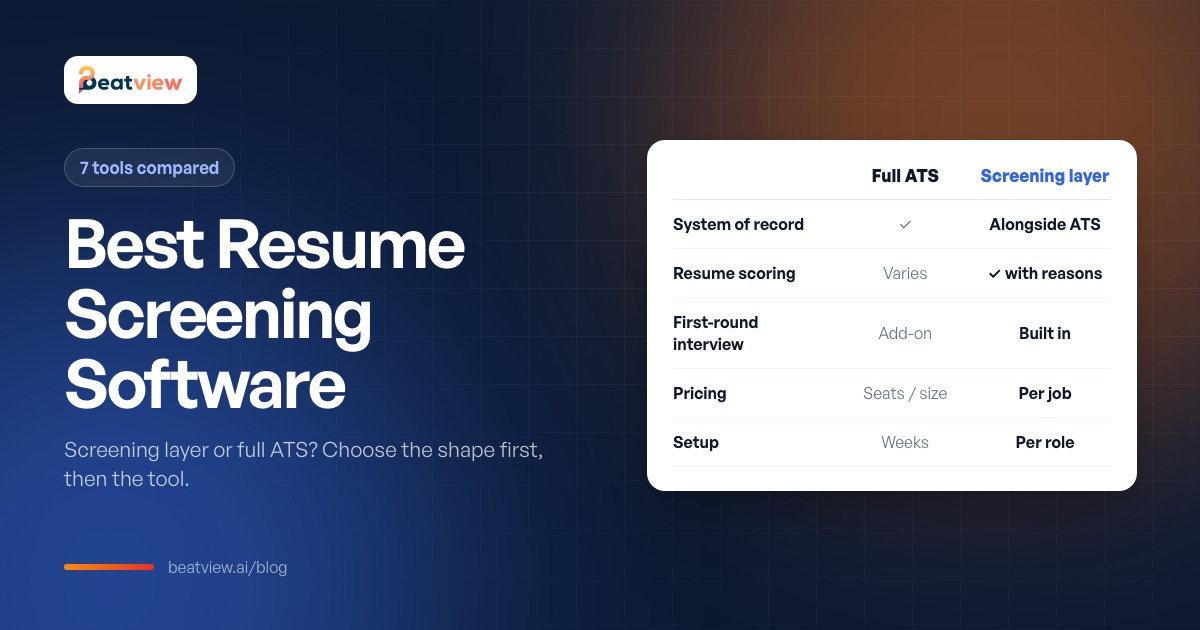
Best Resume Screening Software: 7 Tools Compared and How to Choose
Seven resume screening tools compared on screening approach, pricing model and best fit, the four jobs screening software does, an eight-point buying checklist and advice for startups.
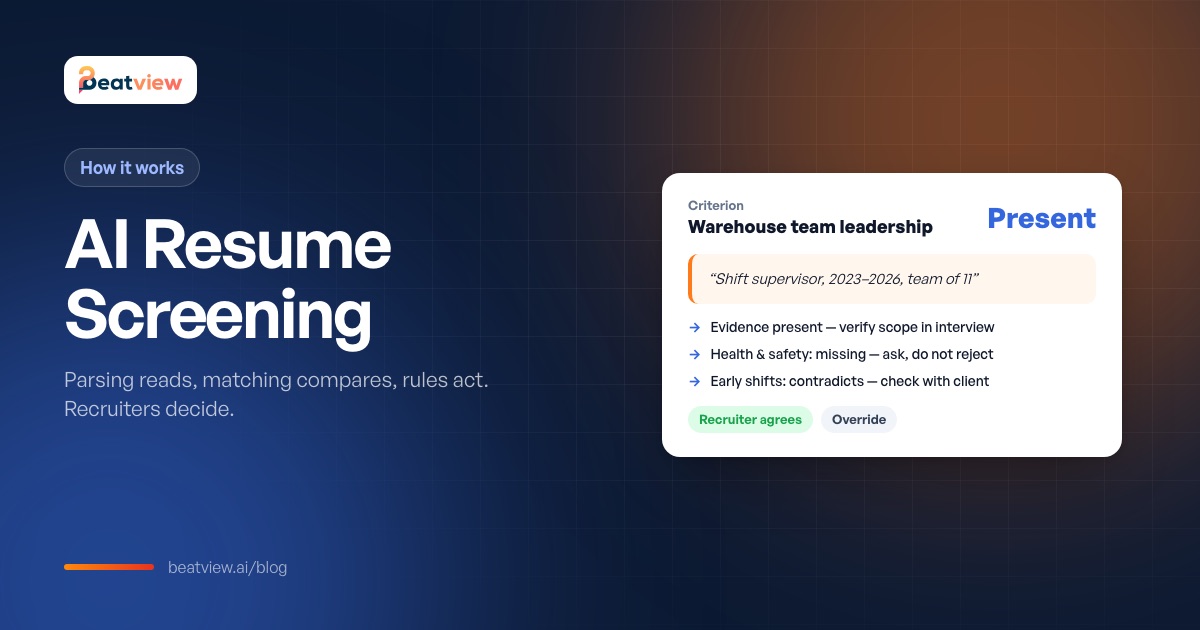
AI Resume Screening: How It Works, Bias Risks and AI vs Manual Review
How AI resume screening works — parsing, matching and stage rules — what good output looks like, how it compares with manual screening, where bias comes from and what recruiters still need to check.
AI Hiring Software: How to Choose Without Adding Risk (Evaluation Checklist)
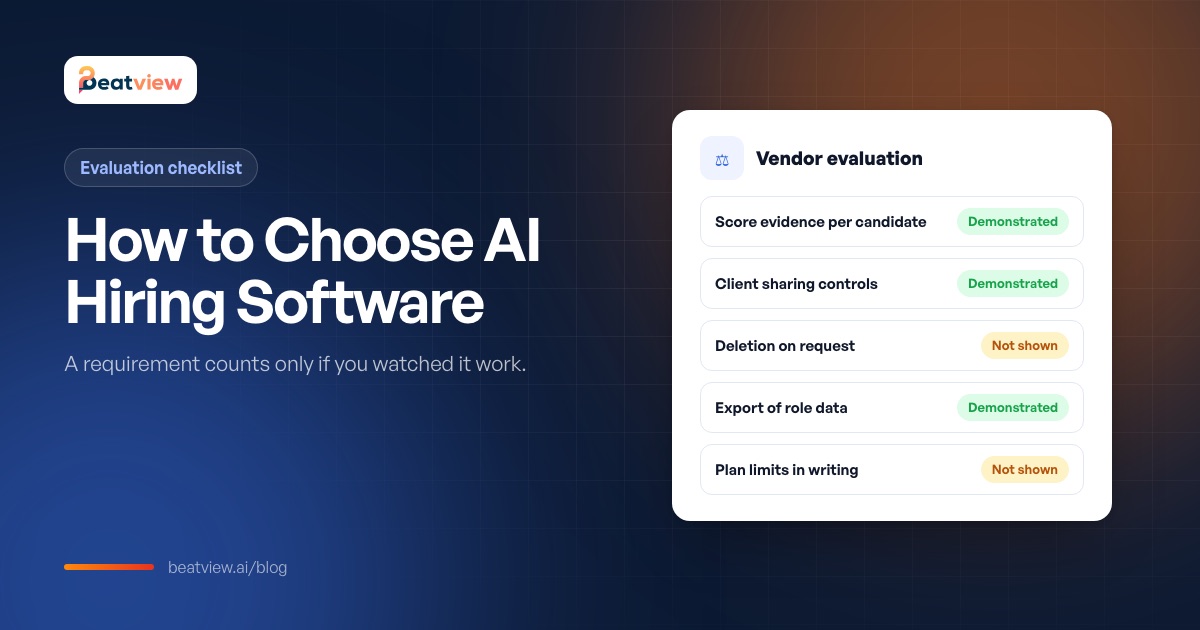
The main types of AI hiring software, a seven-area evaluation built on "demonstrated or not shown", five questions that separate vendors quickly and a bounded pilot plan with acceptance criteria.