Video Interview Software for Screening: Types, Must-Have Features and Tests
The types of video interview software, the four mechanics that decide whether recorded screening works — recording, candidate access, reviewer workflow, sharing — and a test for each.
Beatview Team
Updated · 5 min read
Key takeaways
- Video interview software is either live (scheduled calls with hiring features) or one-way (recorded answers reviewed later); one-way saves time in screening.
- Four mechanics decide success: recording reliability, candidate access, reviewer workflow, and sharing and retention.
- The fastest elimination test: complete an interview yourself on a phone, on mobile data, without logging in.
- AI scoring is a separate decision with its own legal duties; it pays off when reviewers cannot watch every answer.
- Agencies should test sharing with a client who has no account and check exactly what the client sees.
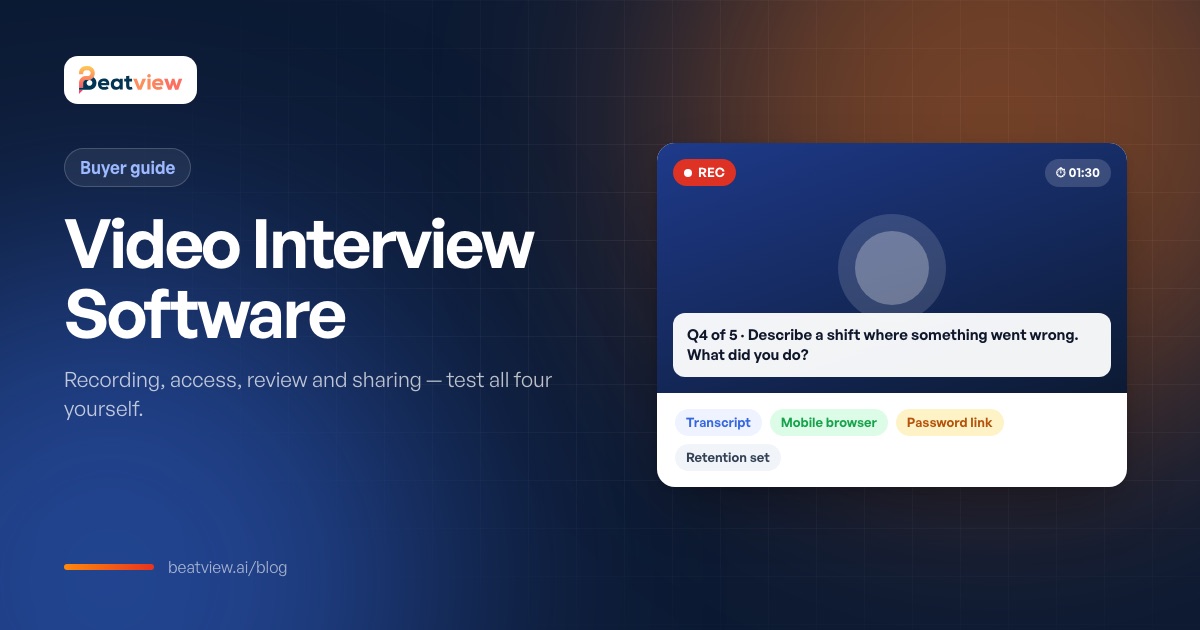
Video interview software lets employers interview candidates over video — either live, like a video call with hiring features built in, or one-way, where candidates record answers to pre-set questions and the team reviews them later. For screening, the one-way (asynchronous) kind is what saves time, because it removes scheduling from the first round. Whichever you choose, four mechanics decide whether recorded screening interviews work at all: reliable recording, easy candidate access, a fast reviewer workflow, and safe sharing and retention. This guide explains the types of video interview software, the features that matter for screening, a test for each, and how to decide whether you need AI scoring on top.
Types of video interview software
Scroll to compare →
| Type | How it works | Best for |
|---|---|---|
| One-way (asynchronous) video interviews | Candidates record answers to the same questions in their own time | First-round screening, high volume, multiple time zones |
| Live video interview platforms | Scheduled video calls with interview guides, scorecards and recording | Later rounds with hiring managers |
| One-way video with AI scoring | Recorded answers plus AI ratings, summaries or rankings | High volume, where reviewers cannot watch every recording |
| General video-call tools | Zoom, Teams or Meet without hiring features | Occasional live interviews; no structure or review workflow |
For a comparison of named platforms, see AI interview software compared. For the format itself, see asynchronous video interviews.
Video interview software features that matter for screening
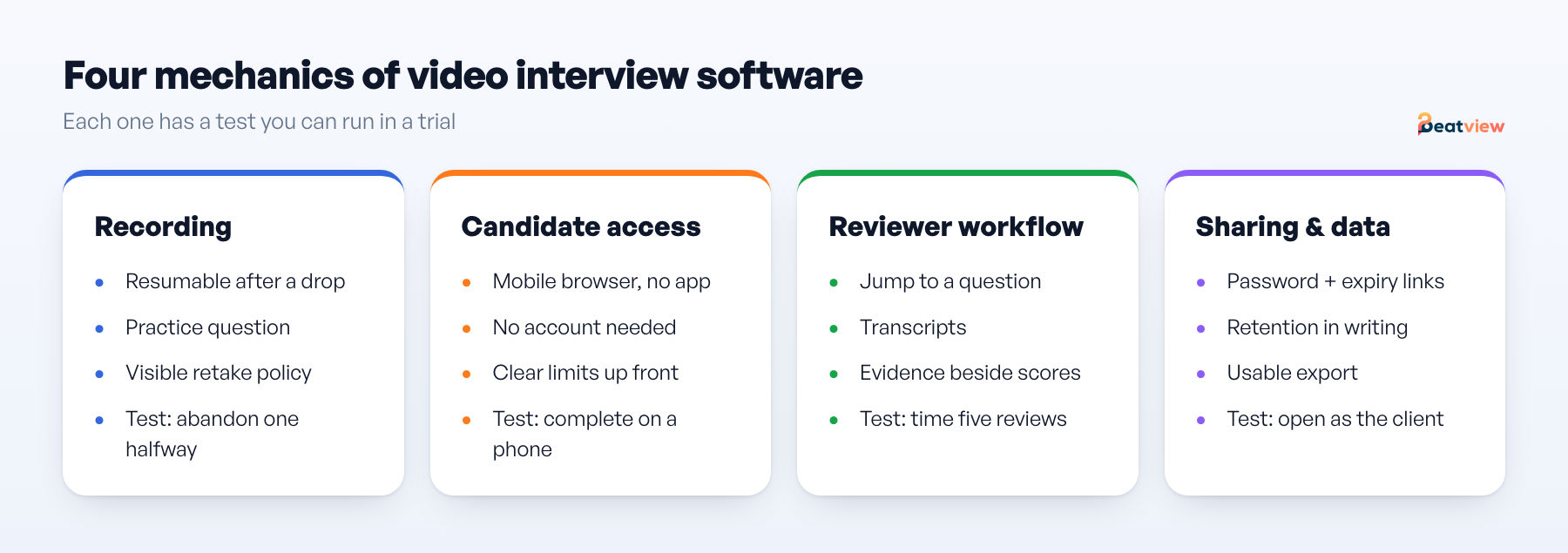
1. Recording reliability
- What happens when the connection drops mid-answer — is the answer lost or resumable?
- Is there a practice question before the first real one?
- Are retakes allowed, and can the reviewer see that a retake happened?
- Is the time limit per question shown before the candidate starts?
Test: complete one interview yourself, then abandon a second halfway, and check what the review queue shows for both.
2. Candidate access
Scroll to compare →
| Requirement | Why it matters at volume |
|---|---|
| Works in a mobile browser | A required app install costs you candidates |
| No account creation | Every extra field reduces completion |
| Invitation link that works for days | People answer in the evening, not at their desk |
| Clear expectations before recording | Number of questions, time limits, retake policy |
| Language and accessibility options | Which languages are supported for questions and instructions |
| Consent and data notice | Candidates are recording themselves; be explicit |
Test: send yourself an invitation and complete it on a phone, on mobile data, without logging in. This eliminates products faster than any feature list.
3. Reviewer workflow
- Can you jump to a specific question across candidates instead of watching end to end?
- Is there a transcript, so you can read instead of watch?
- Is the question set guaranteed to be identical for every candidate on the role?
- Where do notes and ratings live, and can a second reviewer see them?
- If there are scores, is the answer that produced each score beside it?
Test: review five candidates and time it; then write a two-sentence justification for one decision using only what the tool shows.
4. Sharing, retention and export
Scroll to compare →
| Question | What to insist on |
|---|---|
| How does a client or hiring manager see a candidate? | A controlled link, not a forwarded video file |
| Can access be limited or expire? | Password protection and an expiry you set |
| How long are recordings kept? | A retention period stated in writing |
| Can you export a role's data? | A usable file, tested during the trial |
| Whose branding does the candidate see? | Your own, confirmed before the client sees it |
Do you need AI scoring on top?
A recorded interview is a recording. Some products add analysis — a score, a summary, a ranking. That addition is a separate decision with its own risks and legal duties (notice, and in some places consent and bias audits). If your volume is low enough that a reviewer can watch every answer, you may not need scoring. If you handle hundreds of candidates per role, scores with visible evidence decide which answers to watch first. See one-way video interview vs AI interviewer.
Video interview software for recruitment agencies
Agencies have two extra requirements: sharing candidates with clients who do not have an account, and keeping each client's roles separate. Test both in the trial — share a candidate to a test address and open it in a private window to see exactly what a client would see.
How Beatview handles video interviews
Beatview runs the structured first round as a one-way video interview with a fixed question set per role and a time limit per question, completed in the candidate's browser without scheduling. Each completed interview is scored on relevance, clarity, depth of knowledge and overall, with the answer beside each score. Incomplete interviews produce no score and stay reviewable. Candidates can be shared with clients through password-protected links, and recordings are retained for up to one year unless the law requires otherwise. Live-call recording is not part of the product. See one-way video interviews.
Frequently asked questions
What is video interview software?
Software for interviewing candidates over video, either live with hiring features such as guides and scorecards, or one-way, where candidates record answers to pre-set questions and the hiring team reviews them later.
What is one-way video interview software?
Software that sends candidates a set of questions to answer on video in their own time, then gives recruiters a queue of recordings — and sometimes transcripts, ratings or summaries — to review.
What features should video interview software have?
Reliable recording with a practice question, mobile-browser access without accounts, identical questions per role, transcripts and quick navigation for reviewers, controlled sharing links, a stated retention period and data export.
Can I use Zoom or Teams for video interviews?
For occasional live interviews, yes. They lack structured question sets, one-way recording, reviewer workflows and candidate sharing controls, which matter for screening at volume.
Move an application from screening to interview
Use your configured workflow and review the completed result.
Start with one active job for free, or explore how Pro adds AI video interviews.
- Application screening
- AI video interviews
- Candidate event log
Related Articles
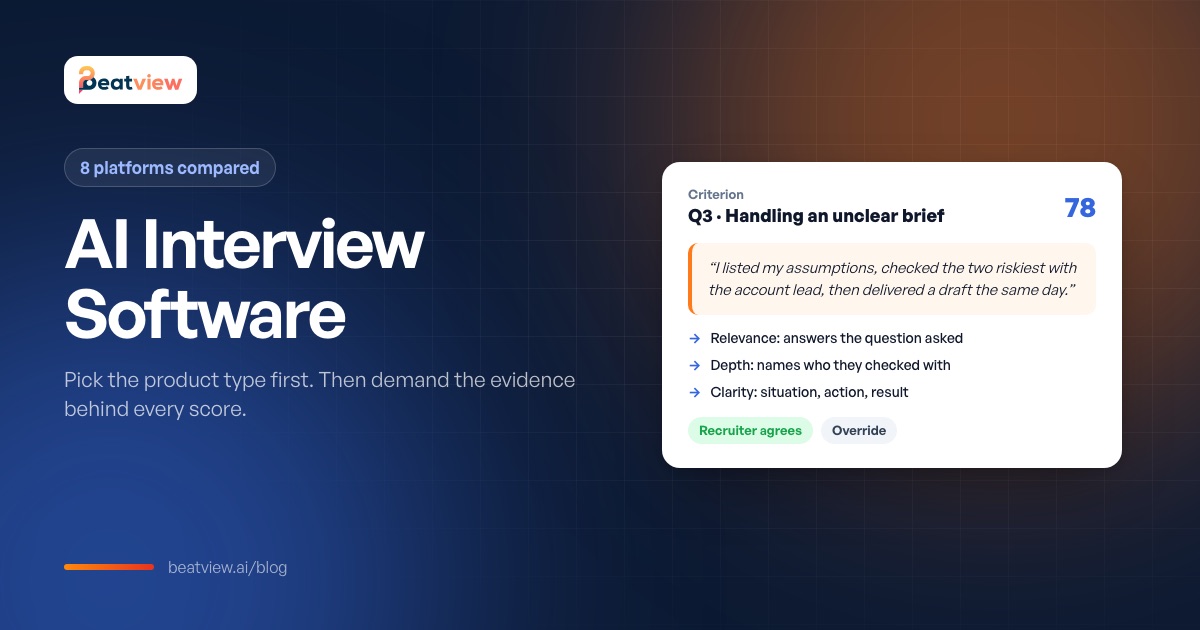
AI Interview Software: How It Works, 8 Platforms Compared and a Buyer Checklist
The three types of AI interview software, how they work, eight platforms compared on format, AI features and published pricing, a checklist for the AI scoring layer and a one-week trial plan.
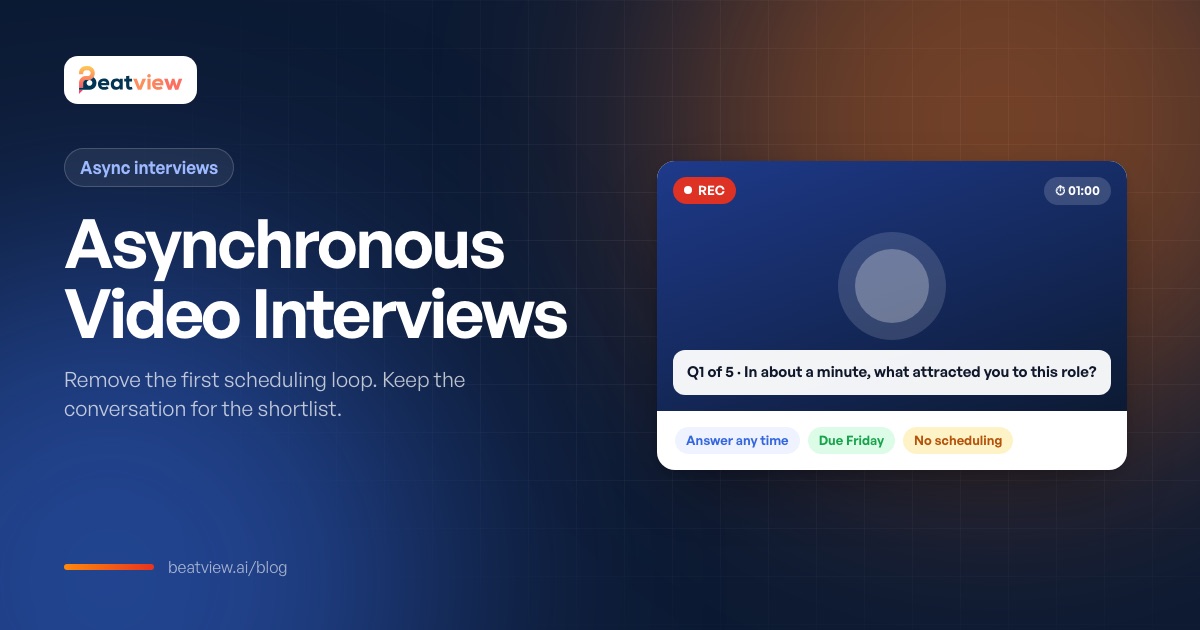
Asynchronous Video Interviews: How Async Interviews Cut Scheduling Delays
What an asynchronous video interview is, how it compares with live interviews, which scheduling delays it removes (and which it does not), when it fits and how to handle unfinished interviews.
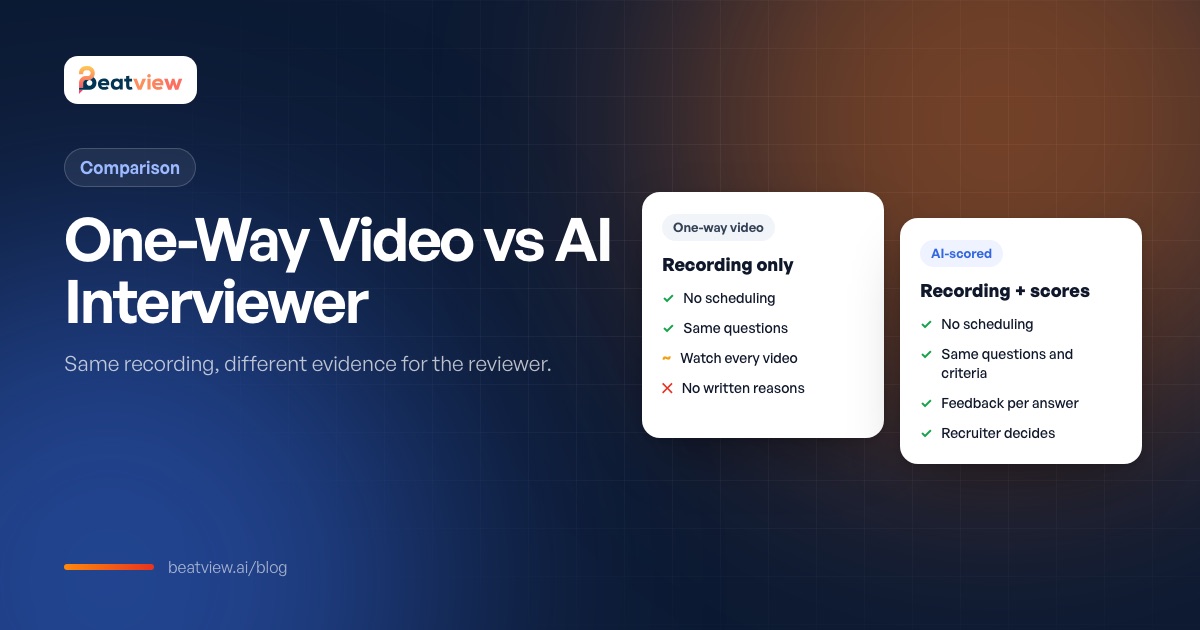
One-Way Video Interview vs AI Interviewer: Differences and When to Use Each
How one-way video interviews, AI-scored interviews and conversational AI interviewers differ in question delivery, reviewer output and consistency — with a decision table for hiring teams.